mirror of
https://github.com/ggozad/oterm.git
synced 2026-10-16 12:13:21 +02:00

56 lines
3.8 KiB
Markdown
56 lines
3.8 KiB
Markdown
# oterm
|
|
|
|
[](https://github.com/ggozad/oterm/actions/workflows/test.yml)
|
|
[](https://codecov.io/gh/ggozad/oterm)
|
|
|
|
the terminal client for [Ollama](https://github.com/ollama/ollama), OpenAI, Anthropic, and any [pydantic-ai](https://ai.pydantic.dev/)-supported provider.
|
|
|
|
> 🚀 **oterm is now multi-provider!**
|
|
> Alongside Ollama, oterm drives OpenAI, Anthropic, Google (AI / Vertex), Groq, Mistral, Cohere, AWS Bedrock, DeepSeek, Cerebras, Grok, Hugging Face, and any OpenAI-compatible endpoint (vLLM, LM Studio, llama.cpp, OpenRouter, LiteLLM, …).
|
|
> See [What's new](#whats-new) below for the full set of changes.
|
|
|
|
## Features
|
|
|
|
* intuitive and simple terminal UI, no need to run servers, frontends, just type `oterm` in your terminal.
|
|
* supports Linux, MacOS, and Windows and most terminal emulators.
|
|
* multiple persistent chat sessions, stored together with system prompt & parameter customizations in sqlite.
|
|
* talks to Ollama, OpenAI, Anthropic, Google (AI / Vertex), Groq, Mistral, Cohere, AWS Bedrock, DeepSeek, Cerebras, Grok, Hugging Face, and any OpenAI-compatible endpoint — local (vLLM, LM Studio, llama.cpp, …) or hosted (OpenRouter, LiteLLM, …).
|
|
* tools — built-in (`shell`, `date_time`, `think`), custom Python plugins via entry points, and any [Model Context Protocol (MCP)](https://modelcontextprotocol.io) server.
|
|
* allows for easy customization of the model's system prompt and parameters.
|
|
|
|
## Quick install
|
|
|
|
```bash
|
|
uvx oterm
|
|
```
|
|
See [Installation](https://ggozad.github.io/oterm/installation) for more details.
|
|
|
|
## Documentation
|
|
|
|
[oterm Documentation](https://ggozad.github.io/oterm/)
|
|
|
|
## What's new
|
|
* **Multi-provider, via pydantic-ai (breaking).** `oterm` is no longer Ollama-only — it drives any [pydantic-ai](https://ai.pydantic.dev/)-supported provider: OpenAI, Anthropic, Google (AI / Vertex), Groq, Mistral, Cohere, AWS Bedrock, DeepSeek, Cerebras, Grok, Hugging Face, OpenAI-compatible endpoints (vLLM, LM Studio, llama.cpp, OpenRouter, LiteLLM, …), and Ollama. Set the matching API key and the provider appears in the new-chat dropdown.
|
|
* **Refreshed chat UI.** Borderless accent-driven layout, auto-growing prompt, inline `[Image #N]` attachment tokens, a collapsing thinking section, and a live token-usage footer in place of the spinner.
|
|
* **Faster streaming.** Markdown is now updated as deltas arrive instead of being re-rendered on every token, so long responses don't slow the terminal as they grow.
|
|
* **MCP rewrite (breaking).** The `mcpServers` config block adopts pydantic-ai's standard schema (compatible with Claude Desktop / Cursor). See [docs/mcp](https://ggozad.github.io/oterm/mcp/) for the full migration notes.
|
|
|
|
### Screenshots
|
|
|
|
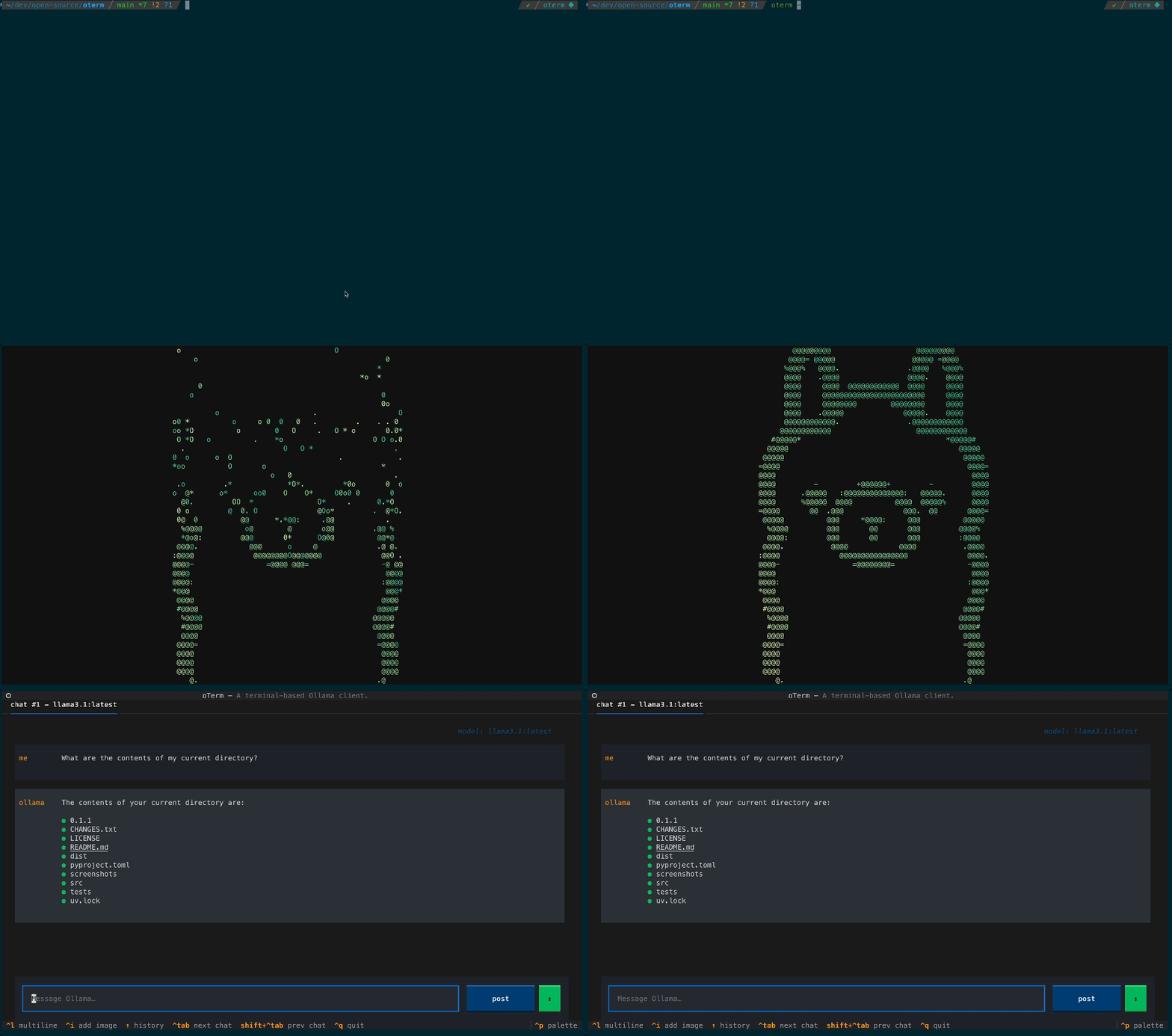
The splash screen animation that greets users when they start oterm.
|
|
|
|
|
|
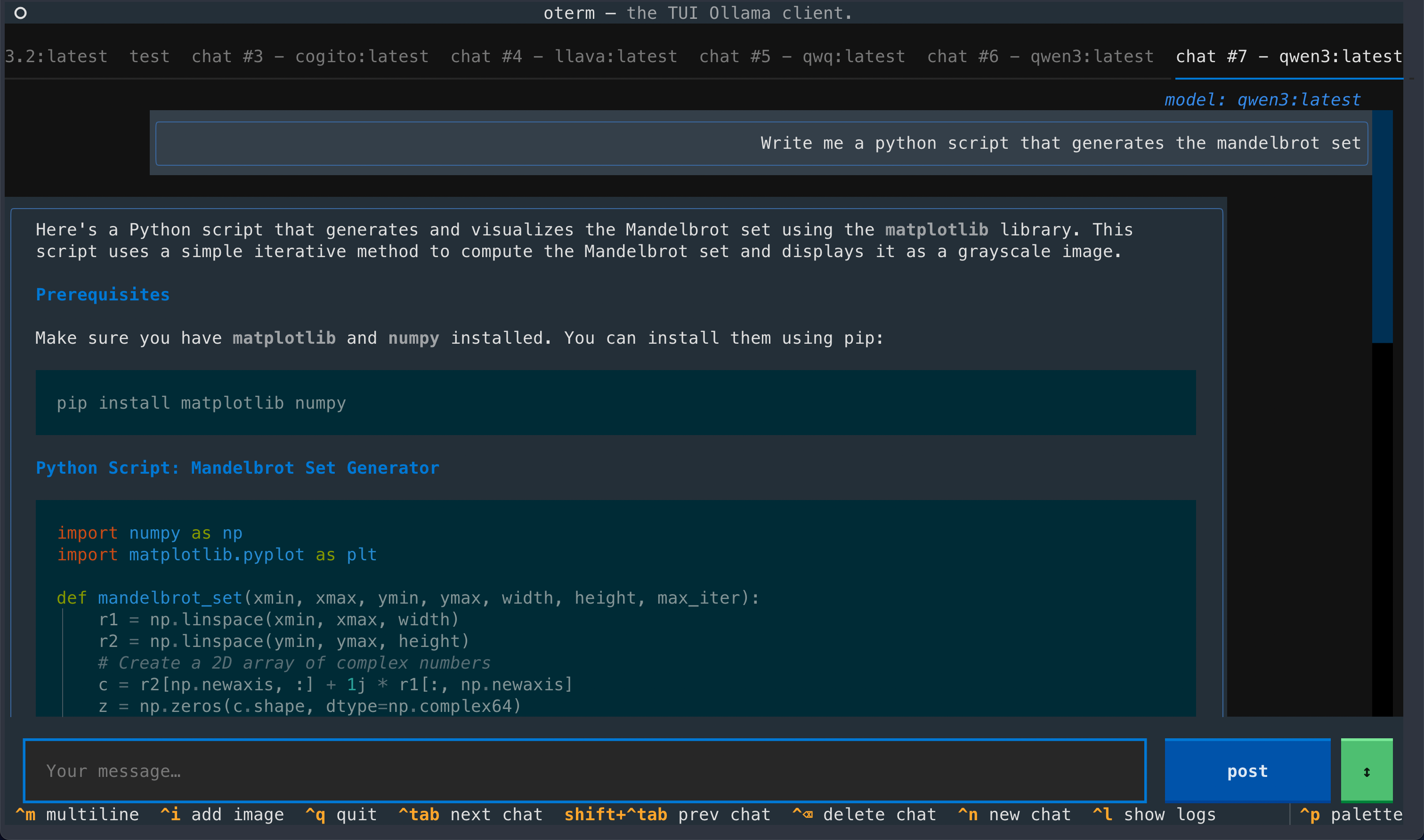
A view of the chat interface, showcasing the conversation between the user and the model.
|
|
|
|
|
|
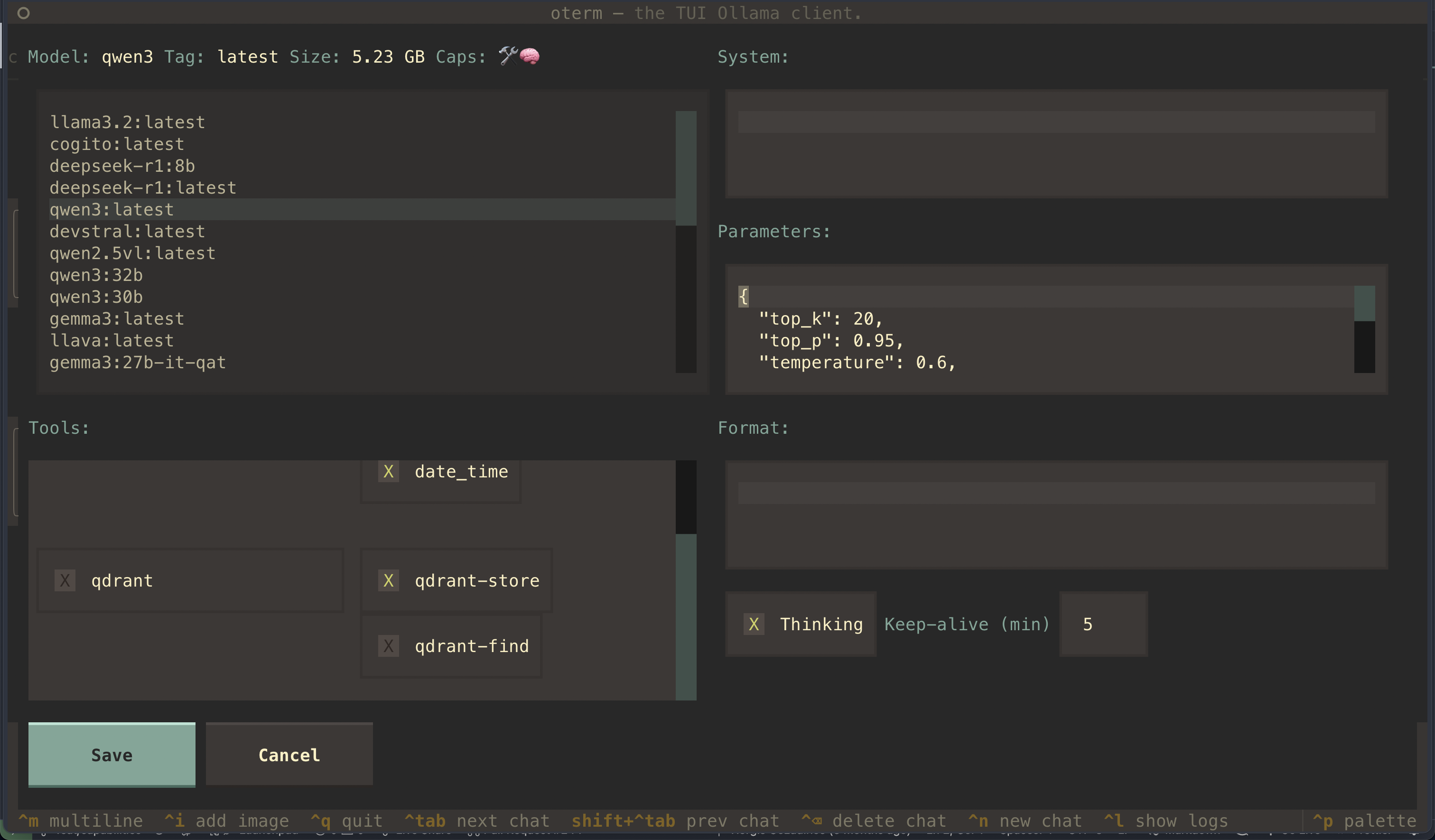
The new-chat screen, where you pick the provider and model and customize the system prompt, tools, parameters, and thinking.
|
|
|
|
|
|
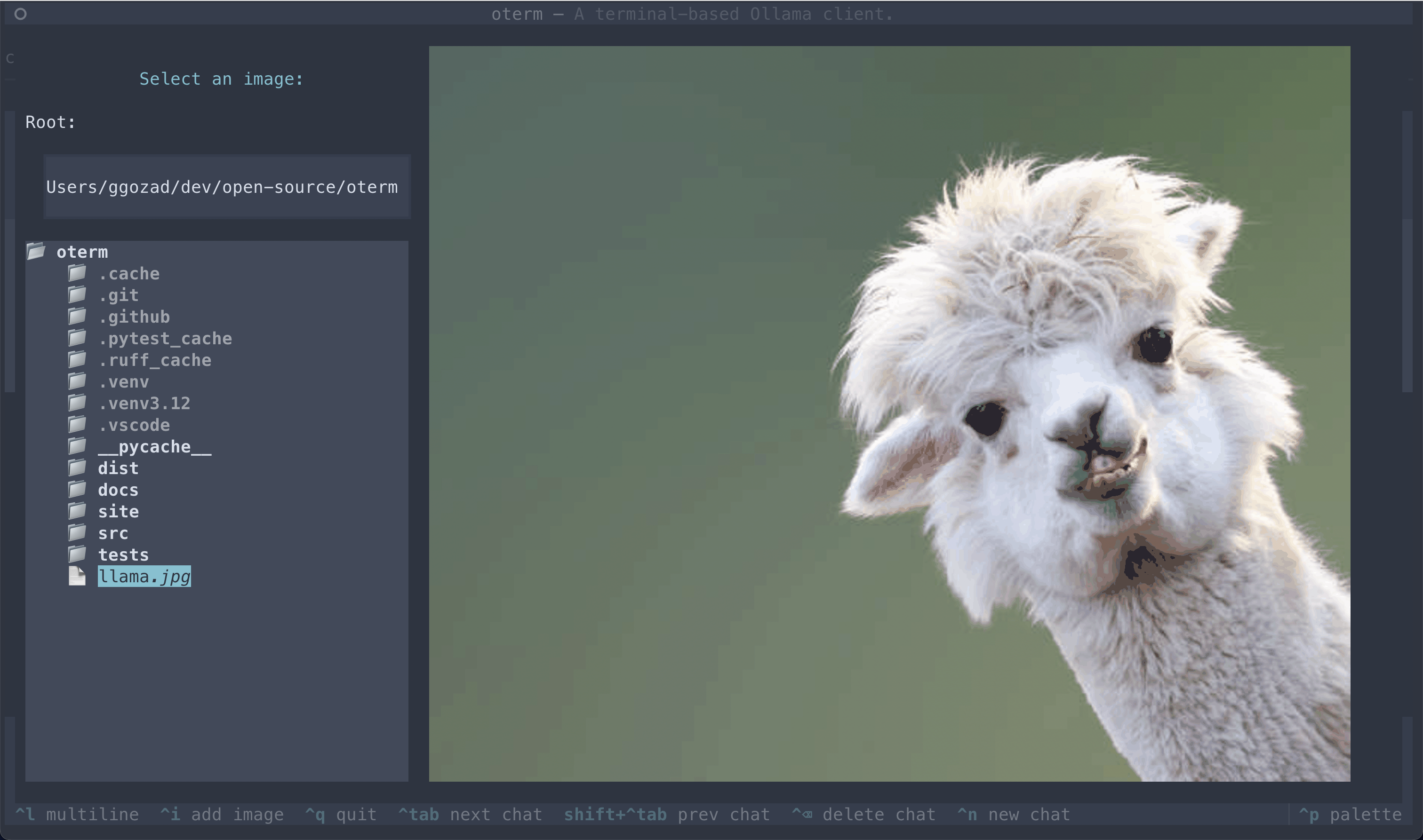
The image selection interface, demonstrating how users can include images in their conversations.
|
|
|
|
|
|
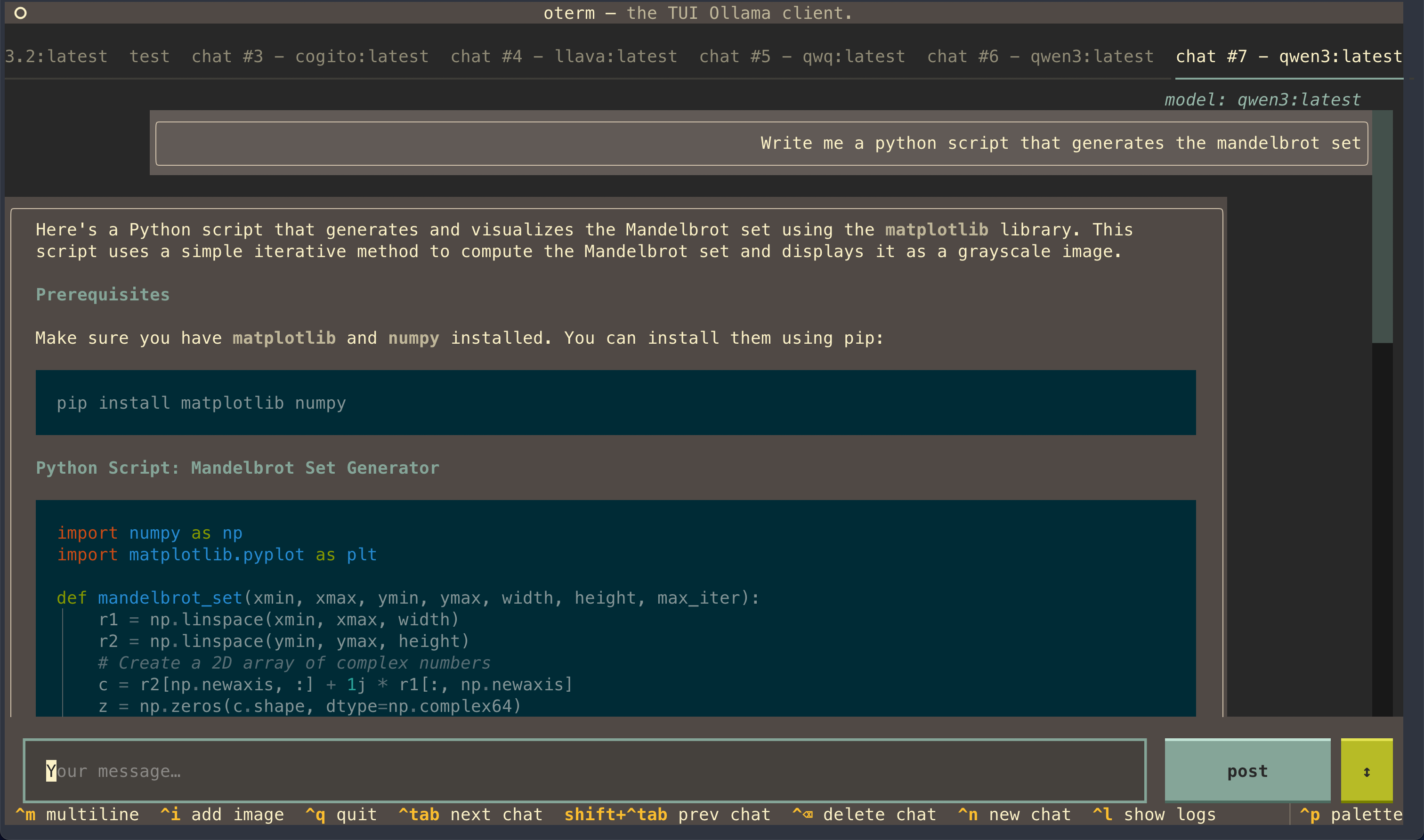
oterm supports multiple themes, allowing users to customize the appearance of the interface.
|
|
|
|
## License
|
|
|
|
This project is licensed under the [MIT License](LICENSE).
|