- Python 99.7%
- HTML 0.3%
| .github | ||
| docs | ||
| src/oterm | ||
| tests | ||
| .gitignore | ||
| .pre-commit-config.yaml | ||
| CHANGES.txt | ||
| codecov.yml | ||
| LICENSE | ||
| mkdocs.yml | ||
| pyproject.toml | ||
| README.md | ||
| uv.lock | ||

oterm


the terminal client for Ollama, OpenAI, Anthropic, and any pydantic-ai-supported provider.
🚀 oterm is now multi-provider! Alongside Ollama, oterm drives OpenAI, Anthropic, Google (AI / Vertex), Groq, Mistral, Cohere, AWS Bedrock, DeepSeek, Cerebras, Grok, Hugging Face, and any OpenAI-compatible endpoint (vLLM, LM Studio, llama.cpp, OpenRouter, LiteLLM, …). See What's new below for the full set of changes.
Features
- intuitive and simple terminal UI, no need to run servers, frontends, just type
otermin your terminal. - supports Linux, MacOS, and Windows and most terminal emulators.
- multiple persistent chat sessions, stored together with system prompt & parameter customizations in sqlite.
- talks to Ollama, OpenAI, Anthropic, Google (AI / Vertex), Groq, Mistral, Cohere, AWS Bedrock, DeepSeek, Cerebras, Grok, Hugging Face, and any OpenAI-compatible endpoint — local (vLLM, LM Studio, llama.cpp, …) or hosted (OpenRouter, LiteLLM, …).
- tools — built-in (
shell,date_time,think), custom Python plugins via entry points, and any Model Context Protocol (MCP) server. - allows for easy customization of the model's system prompt and parameters.
Quick install
uvx oterm
See Installation for more details.
Documentation
What's new
- Multi-provider, via pydantic-ai (breaking).
otermis no longer Ollama-only — it drives any pydantic-ai-supported provider: OpenAI, Anthropic, Google (AI / Vertex), Groq, Mistral, Cohere, AWS Bedrock, DeepSeek, Cerebras, Grok, Hugging Face, OpenAI-compatible endpoints (vLLM, LM Studio, llama.cpp, OpenRouter, LiteLLM, …), and Ollama. Set the matching API key and the provider appears in the new-chat dropdown. - Refreshed chat UI. Borderless accent-driven layout, auto-growing prompt, inline
[Image #N]attachment tokens, a collapsing thinking section, and a live token-usage footer in place of the spinner. - Faster streaming. Markdown is now updated as deltas arrive instead of being re-rendered on every token, so long responses don't slow the terminal as they grow.
- MCP rewrite (breaking). The
mcpServersconfig block adopts pydantic-ai's standard schema (compatible with Claude Desktop / Cursor). See docs/mcp for the full migration notes.
Screenshots
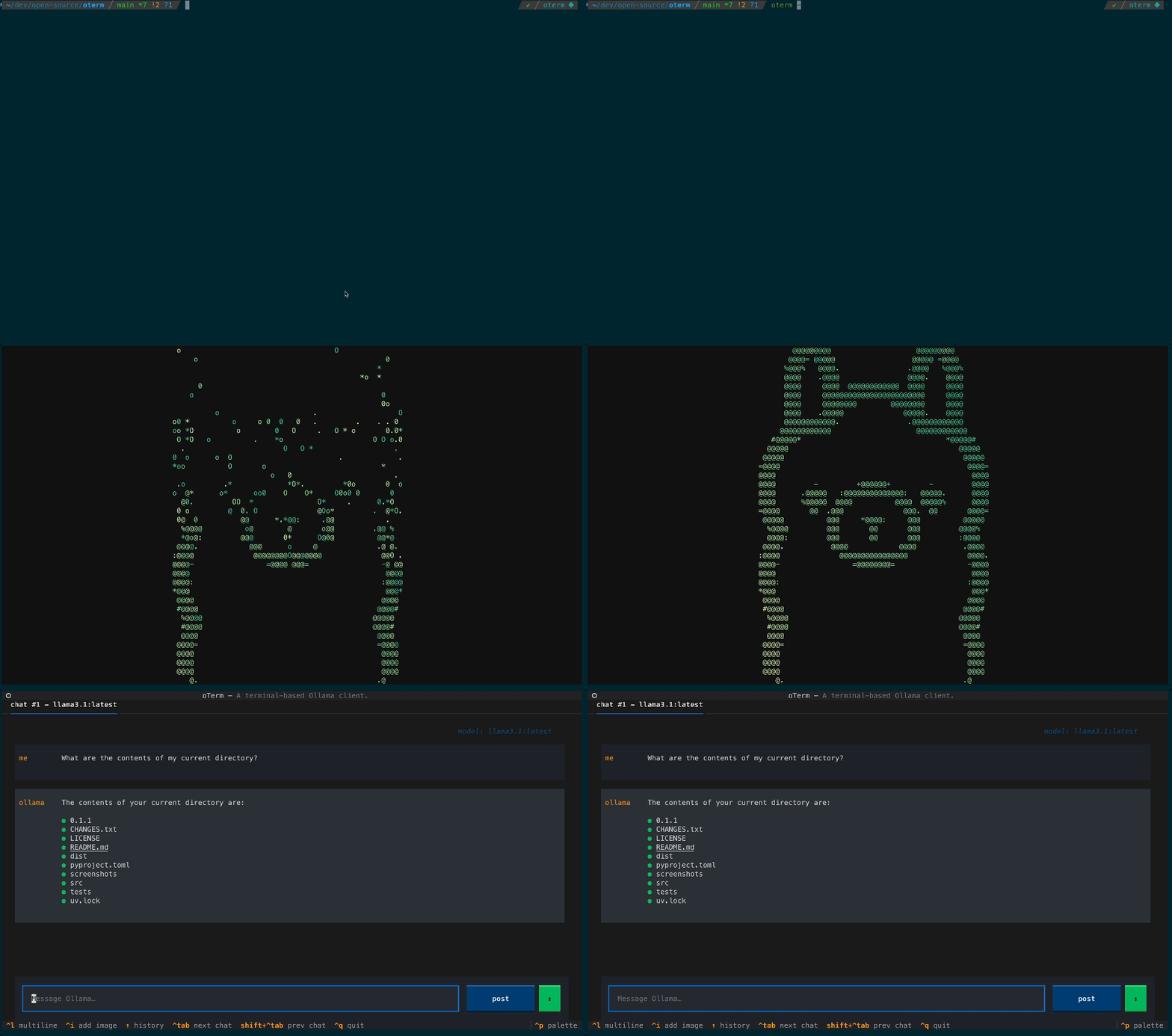 The splash screen animation that greets users when they start oterm.
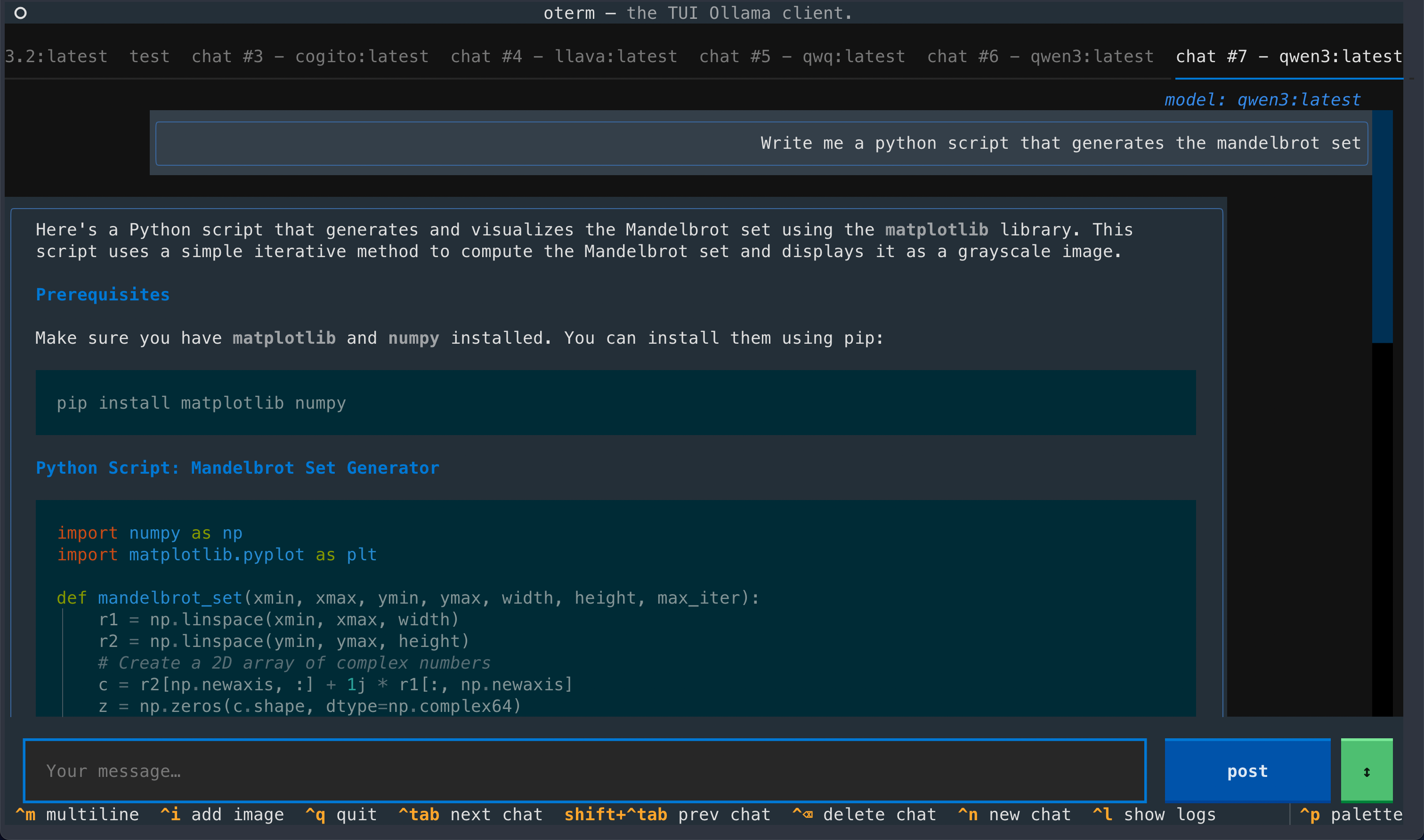 A view of the chat interface, showcasing the conversation between the user and the model.
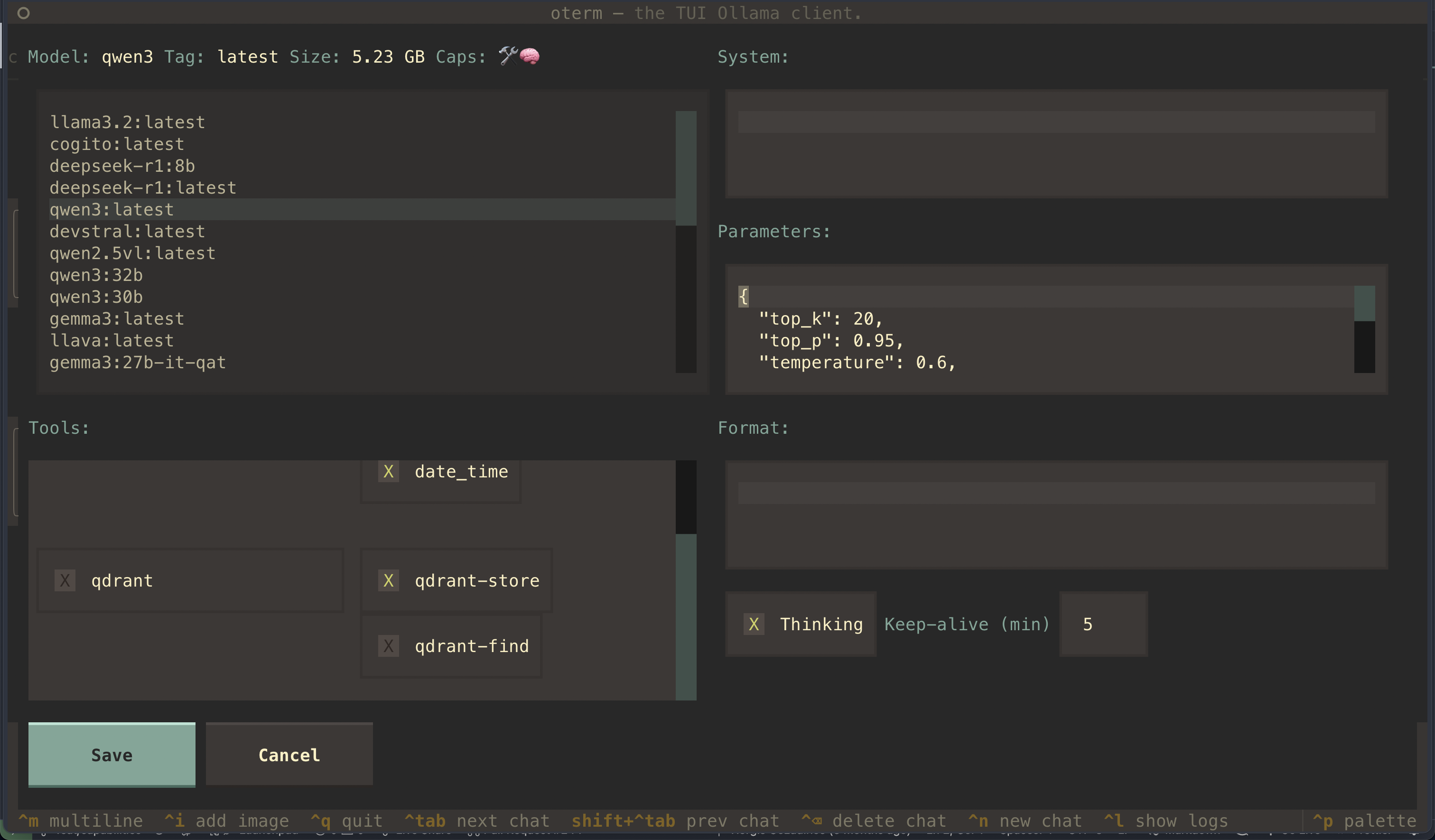 The new-chat screen, where you pick the provider and model and customize the system prompt, tools, parameters, and thinking.
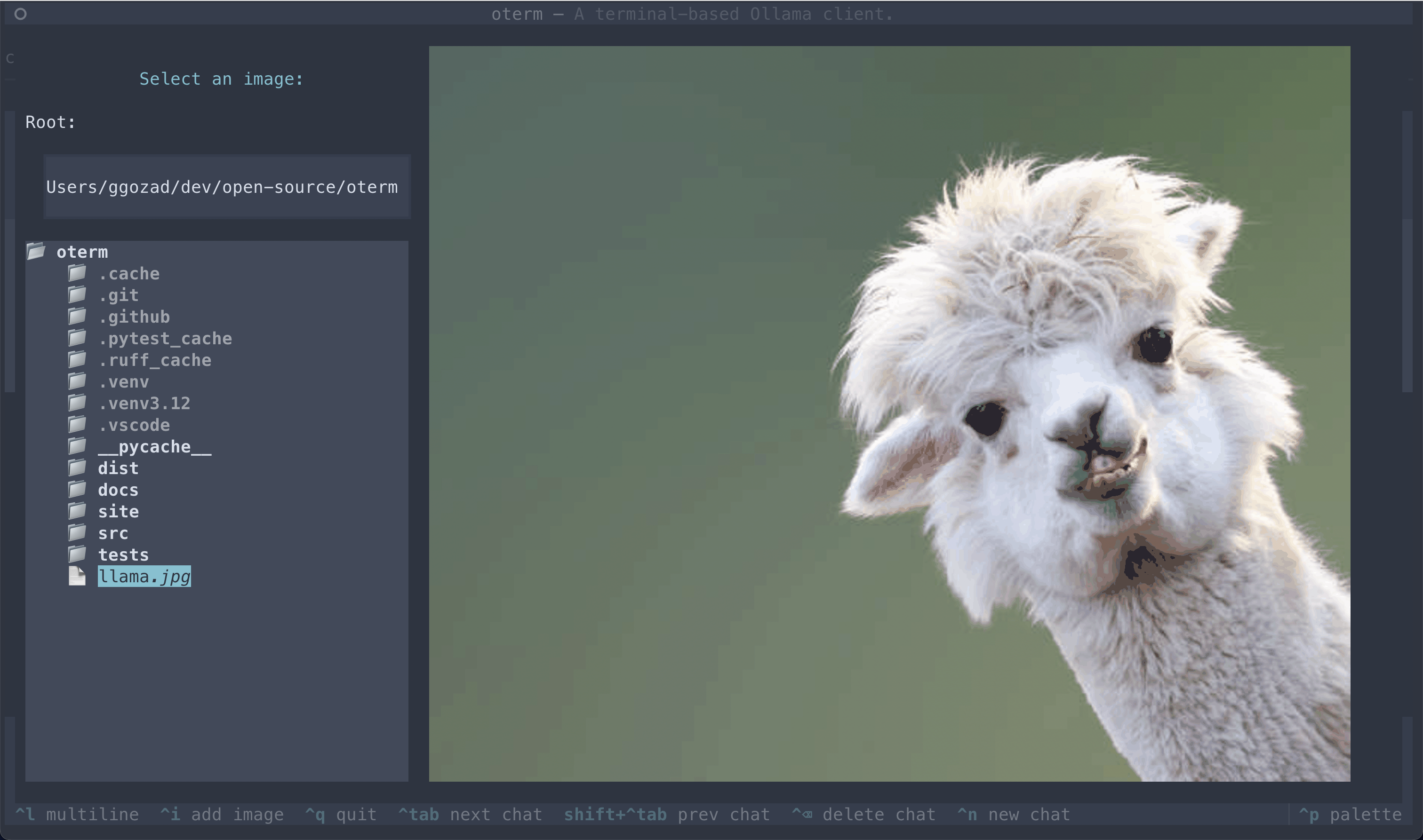 The image selection interface, demonstrating how users can include images in their conversations.
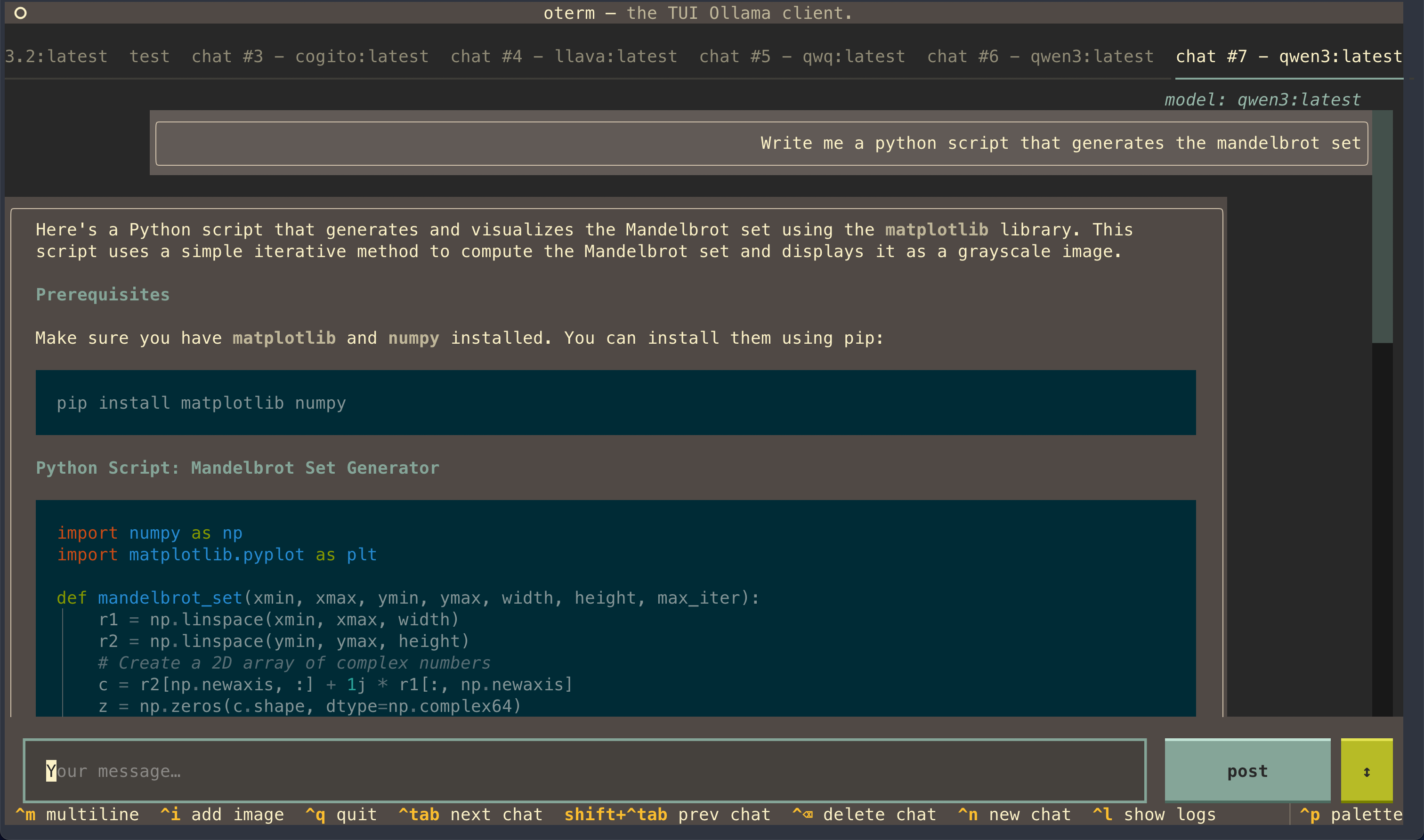 oterm supports multiple themes, allowing users to customize the appearance of the interface.
License
This project is licensed under the MIT License.