 f8c6edc2b5
Registers a "speak" capability that reads responses aloud through piper as it streams, backed by pydantic-ai-tts and installed with the oterm[speak] extra. The entry appears in the tool selector only when the package is importable, so a base install pulls neither onnxruntime nor a voice model. The extra carries a python_version >= '3.11' marker because pydantic-ai-tts requires 3.11 while oterm supports 3.10; without it the extra cannot resolve. On 3.10 the package is absent and the capability is simply not registered. The factory is memoised: capabilities are built once per chat and every Speaks owns worker threads the factory contract gives no place to close. It also sets ORT_DISABLE_TELEMETRY before the import, which is where onnxruntime reads it, leaving an explicit setting alone. pydantic-ai-tts is MIT but pulls piper-tts, which is GPL-3.0-or-later, into the environment of anyone installing the extra.
2.3 KiB
Features
- intuitive and simple terminal UI, no need to run servers, frontends, just type
otermin your terminal. - supports Linux, MacOS, and Windows and most terminal emulators.
- multiple persistent chat sessions, stored together with system prompt & parameter customizations in sqlite.
- talks to Ollama, OpenAI, Anthropic, Google (AI / Vertex), Groq, Mistral, Cohere, AWS Bedrock, DeepSeek, Cerebras, Grok, Hugging Face, and any OpenAI-compatible endpoint — local (vLLM, LM Studio, llama.cpp, …) or hosted (OpenRouter, LiteLLM, …).
- tools — built-in (
shell,date_time,think), custom Python plugins via entry points, and any Model Context Protocol (MCP) server. - capabilities — web search, URL fetching, persistent memory, sandboxed file access, and responses spoken aloud in the GLaDOS voice.
- allows for easy customization of the model's system prompt and parameters.
Using oterm
oterm picks up providers automatically from your environment. If Ollama is running on http://127.0.0.1:11434 it shows up out of the box; for any other hosted provider, set the relevant API key (OPENAI_API_KEY, ANTHROPIC_API_KEY, etc.) and it appears in the provider dropdown. For other local runners (vLLM, LM Studio, llama.cpp, …) or hosted OpenAI-compatible endpoints (OpenRouter, LiteLLM, …), add an entry to the openaiCompatible section of config.json. See Providers and API keys and the openaiCompatible config block.
To point Ollama at a non-default host or disable SSL verification, see Environment variables.
To start oterm simply run:
oterm
If you installed oterm using uvx, you can also start it using:
uvx oterm
Screenshots
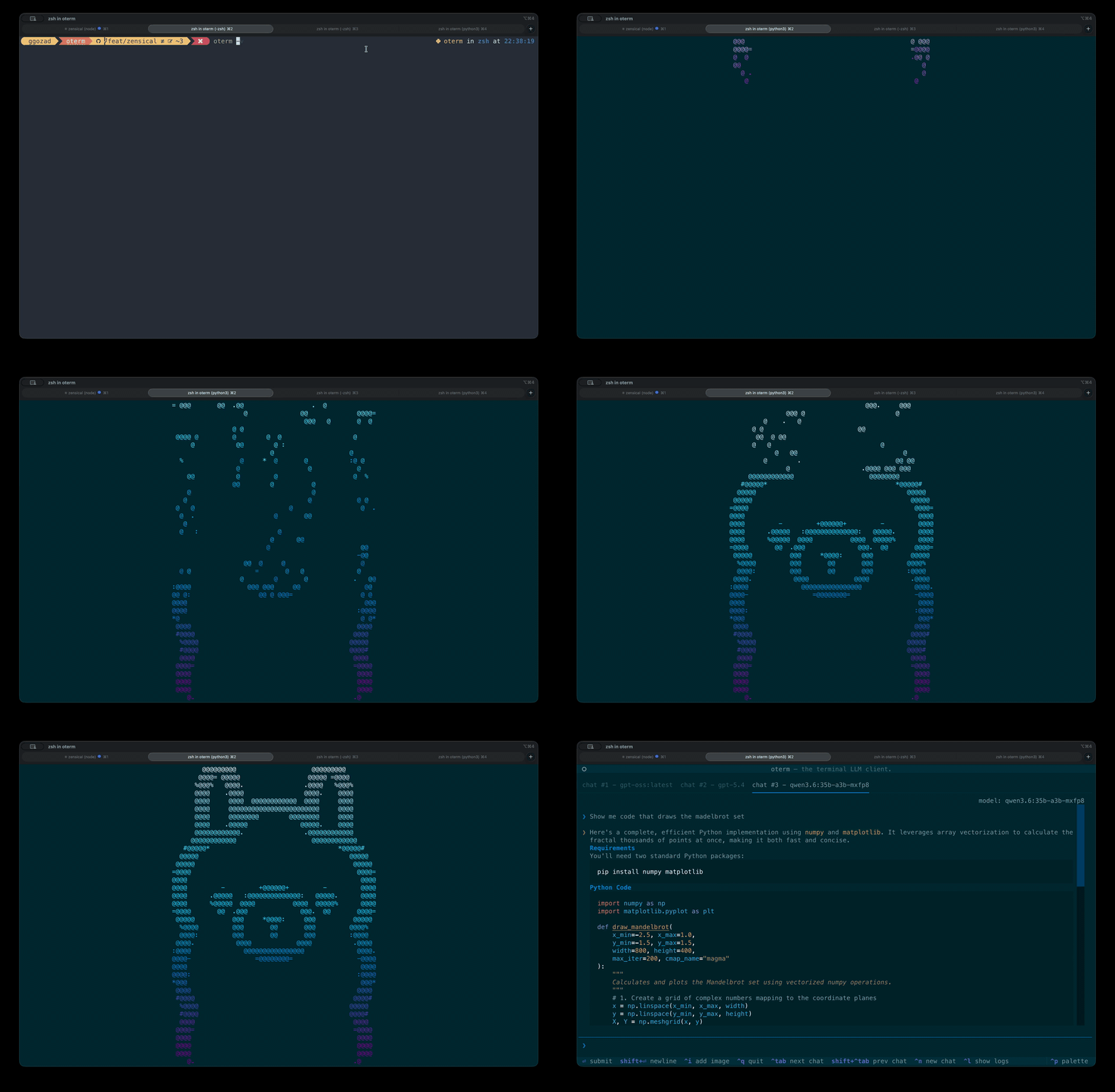 The splash screen animation that greets users when they start oterm.
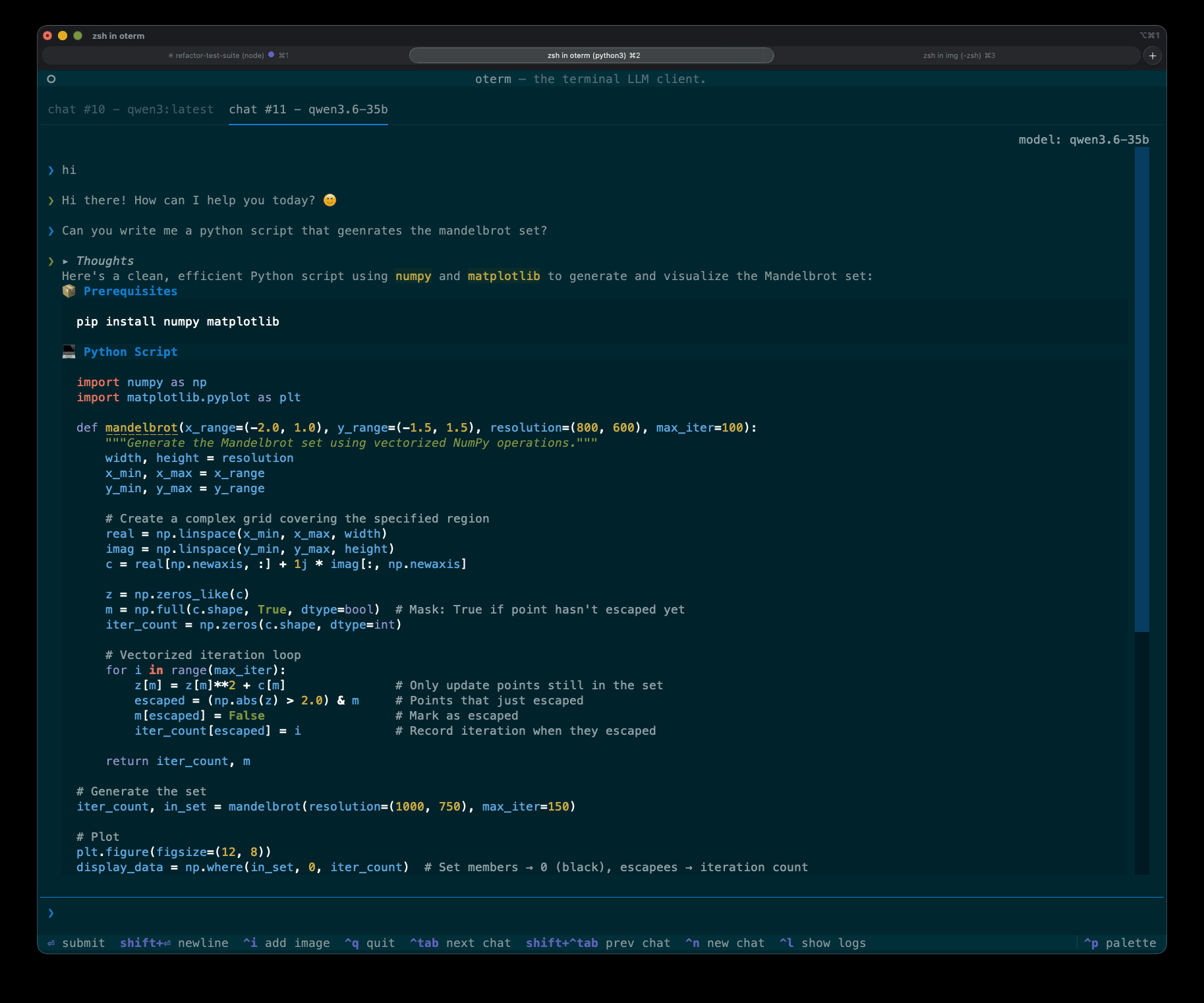 A view of the chat interface, showcasing the conversation between the user and the model.
 oterm supports multiple themes, allowing users to customize the appearance of the interface.
License
This project is licensed under the MIT License.