mirror of
https://github.com/ggozad/oterm.git
synced 2026-10-09 08:43:21 +02:00
 97fd157160
- rag_example: rewrite for current haiku.rag. The MCP server is `haiku-rag mcp` and opens the database read-only, so documents are added with the CLI; the page described `serve`, SQLite storage and add/delete tools that no longer exist. - mcp: stdio servers accept cwd and inherit HOME, LOGNAME, PATH, SHELL, TERM and USER. - app_config: each openaiCompatible endpoint is its own provider; XDG_DATA_HOME applies everywhere but Windows; list OTERM_OLLAMA_IMAGE_MODEL and everything under OTERM_DATA_DIR. - commands: add Copy message, an Images section and the command-line options; clicking a code block copies the whole message. - installation: document the speak extra and nix updates; drop the 0.13.1 tap note. - development: uv-based setup; docs are built with Zensical. - One H1 per page; no em dashes. - README points at the CHANGELOG; drop the stale announcement banner.
968 B
968 B
Chat parameters
When creating a new chat, you may select the provider and model you want and customize the following:
systeminstruction prompttoolsused. See Tools for more information on how to make tools available.- chat
parameterspassed to the model:temperature,top_p,max_tokensandseed. - enable
thinkingfor models that support it.
!!! note
When thinking is enabled you will observe the model thinking while generating its response. The thinking process is not persisted in the database in order to save context, so you will not see it on later sessions.
You can also "edit" an existing chat to change the system prompt, parameters, tools, or thinking. The provider and model cannot be changed after the chat is created.
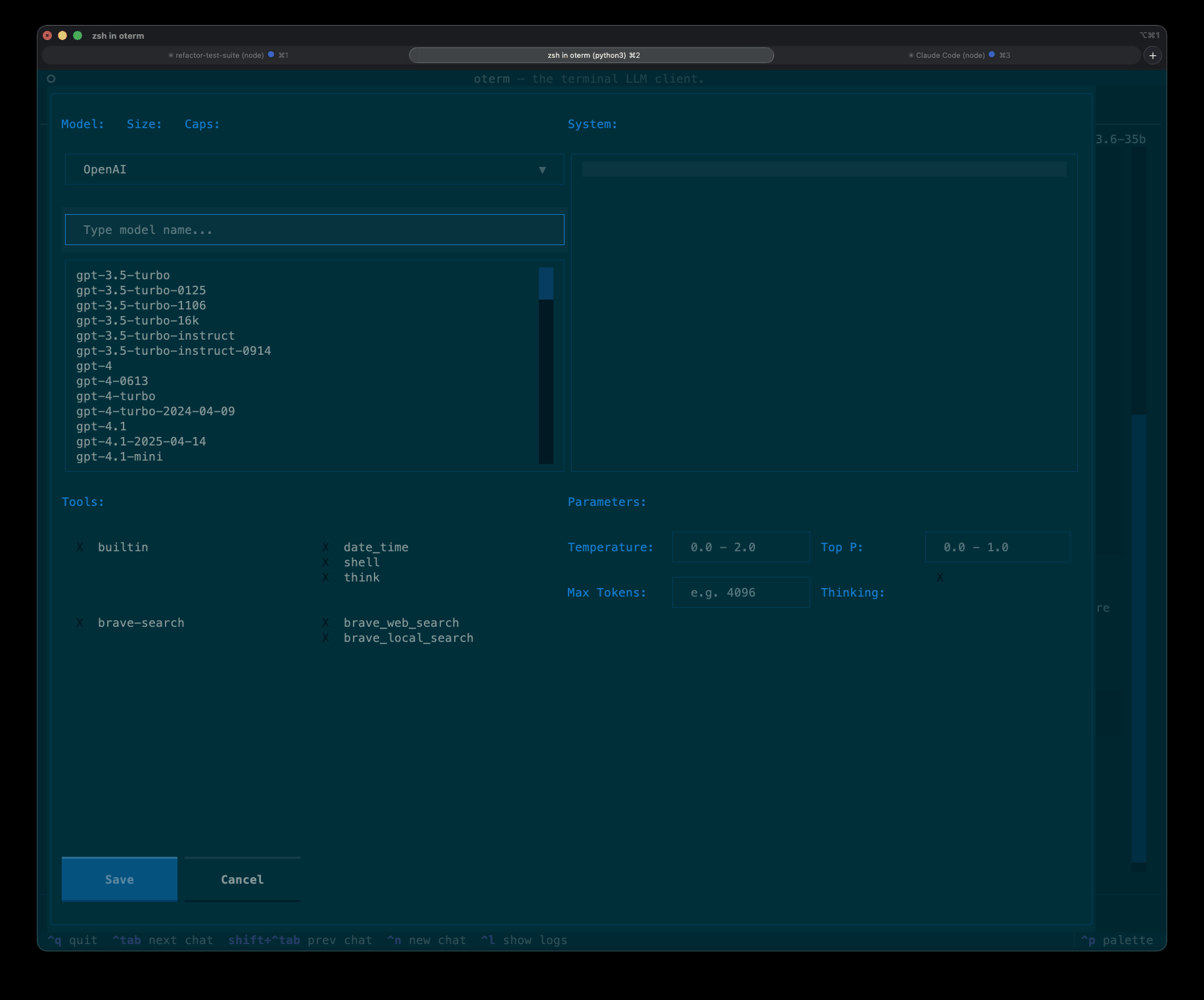 The new-chat screen, where you pick the provider and model and customize the system prompt, tools, parameters, and thinking.