- TypeScript 33.8%
- Ruby 23.5%
- Rust 21.3%
- JavaScript 16.8%
- Shell 2.6%
- Other 1.8%
 538266ad83
## Problem While working in a network form upcoming improvement, it was discovered that creating a connection and setting its device binding to "Chosen by name" (or "Chosen by MAC address") starts the form off bound to `lo`. The selector shows `lo` even though it never offers it as an option, and accepting the form submits a connection bound to the loopback device, which cannot reach anything. The form seeds its device fields from the first device the system reports, and that is the loopback one. The selectors do exclude it from their options, but by then the value is already set, and a value that is not among the options is simply printed as-is. ## Solution The list of devices a connection is never bound to now has one home in the form, and it is used both for the values the form starts from and for the options the selectors offer, so the two cannot drift apart. ## Details The test fixtures were part of why this went unnoticed: they mocked a device list with no loopback device. It is now first in that list, as the backend reports it, and adding it turned an existing test red, showing the payload carried `iface: "lo"`. A new test covers the case directly. ## Testing - `npm run test -- src/components/network`, `npm run check-types` and `npm run eslint` pass. - Manually: create a connection, set the device binding to "Chosen by name", and check the selector shows a real device. Same with "Chosen by MAC address". |
||
|---|---|---|
| .github/workflows | ||
| devel | ||
| doc | ||
| live | ||
| products.d | ||
| rust | ||
| service | ||
| web | ||
| .editorconfig | ||
| .gitignore | ||
| .gitmodules | ||
| .yupdate.post | ||
| .yupdate.pre | ||
| CONTRIBUTING.md | ||
| LICENSE | ||
| PACKAGING.md | ||
| PULL_REQUEST_TEMPLATE.md | ||
| Rakefile | ||
| README.md | ||
| SECURITY.md | ||
| setup-services.sh | ||
| setup-web.sh | ||
| setup.sh | ||
| STATUS.md | ||
| testing_using_container.sh | ||
Agama: A Service-based Linux Installer








Agama is a new Linux installer born in the core of the YaST team. It is designed to offer re-usability, integration with third party tools and the possibility of building advanced user interfaces over it.
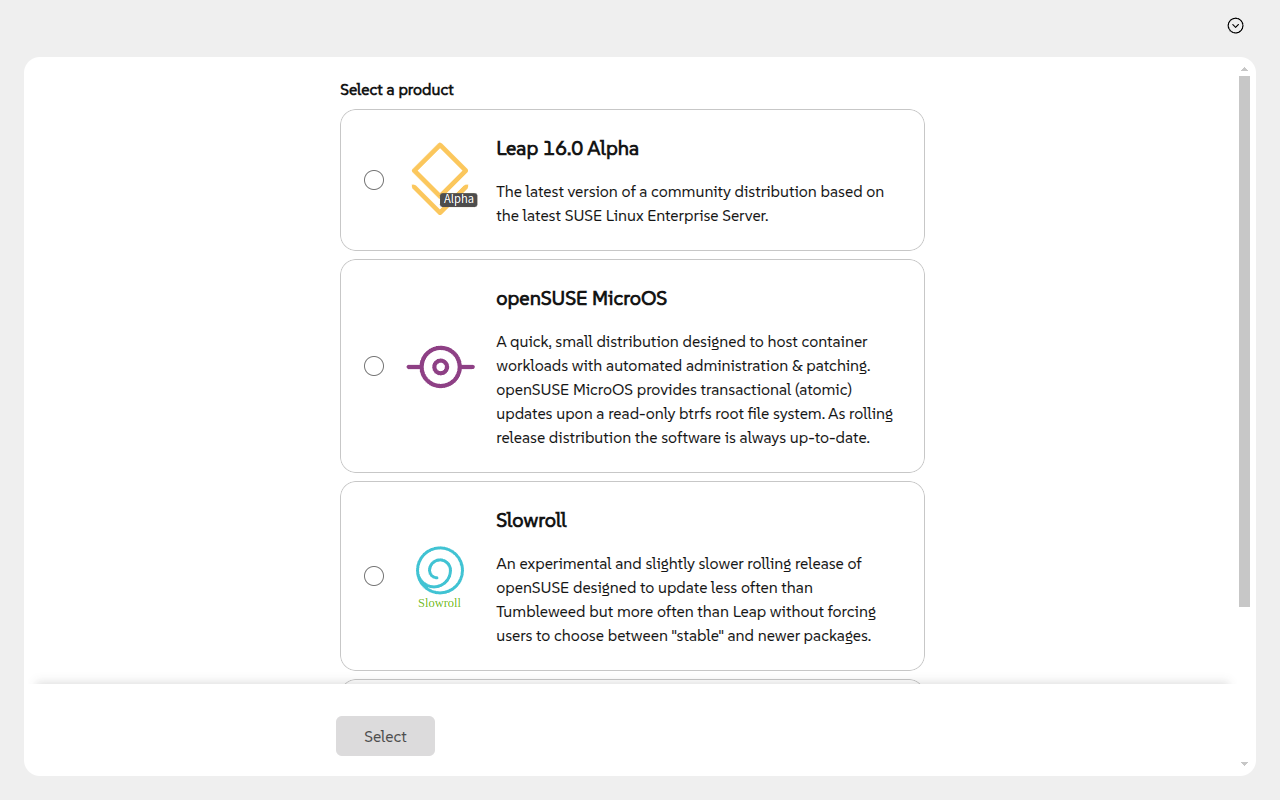 |
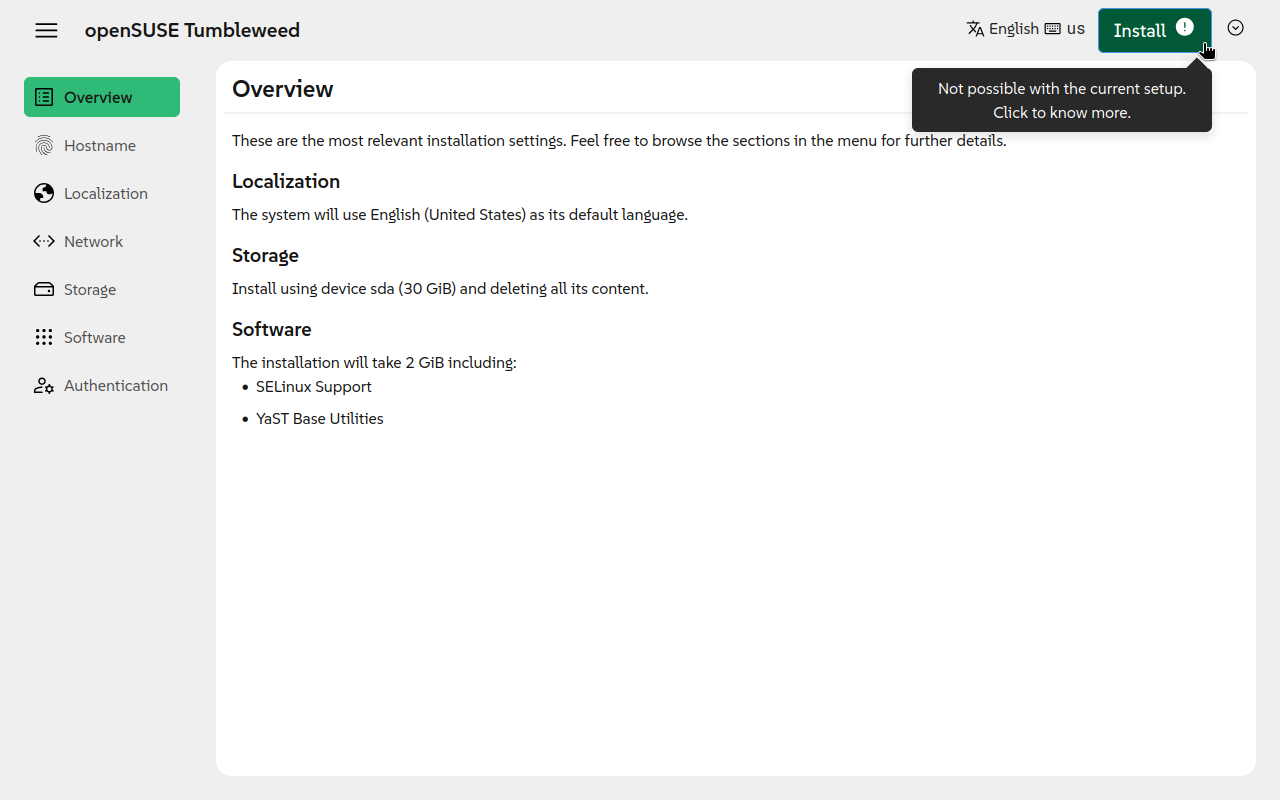 |
|---|
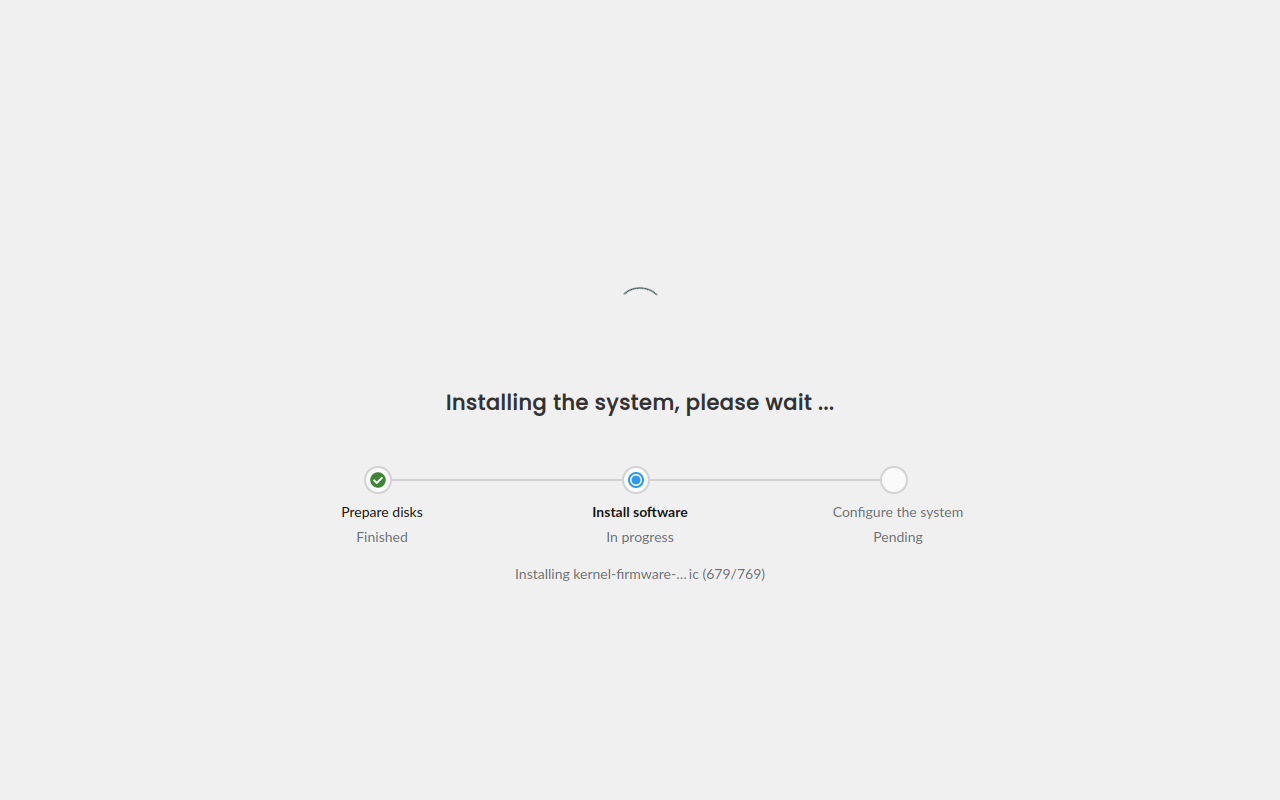
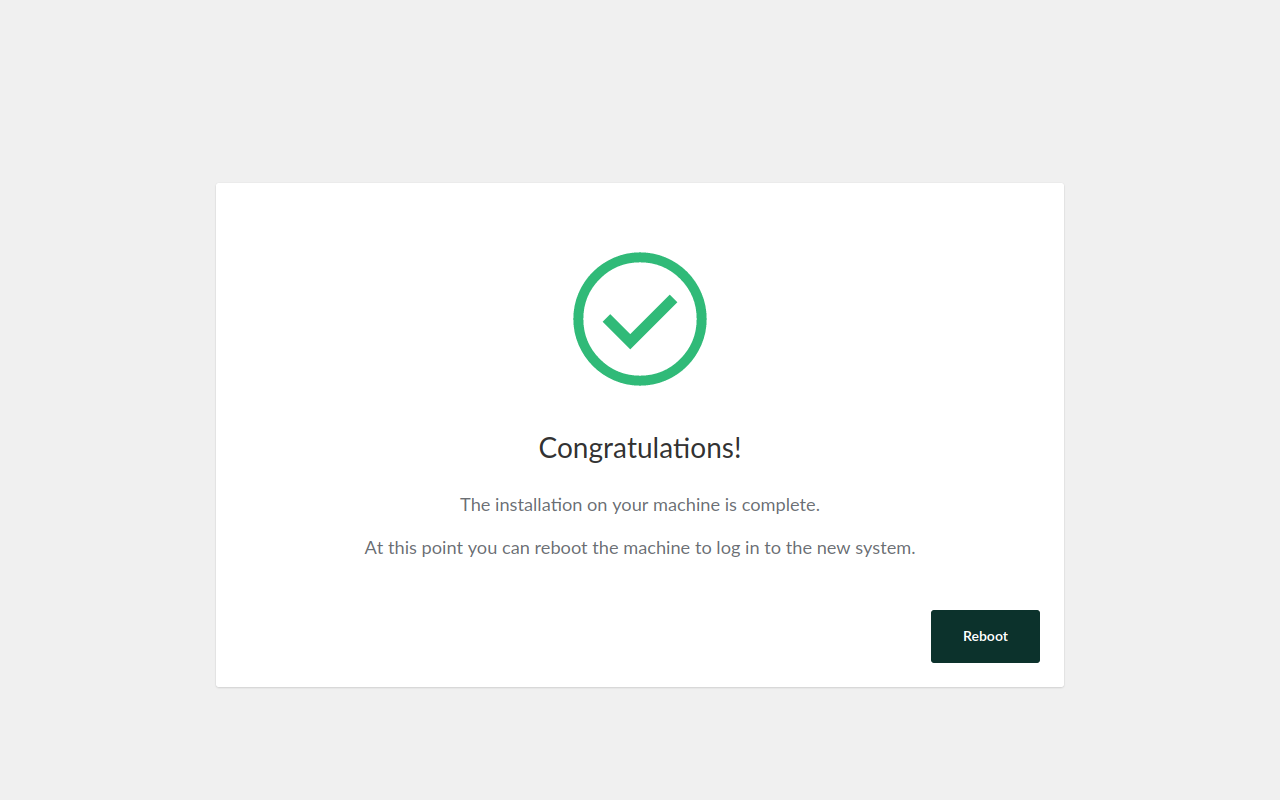
Click to show/hide more screenshots
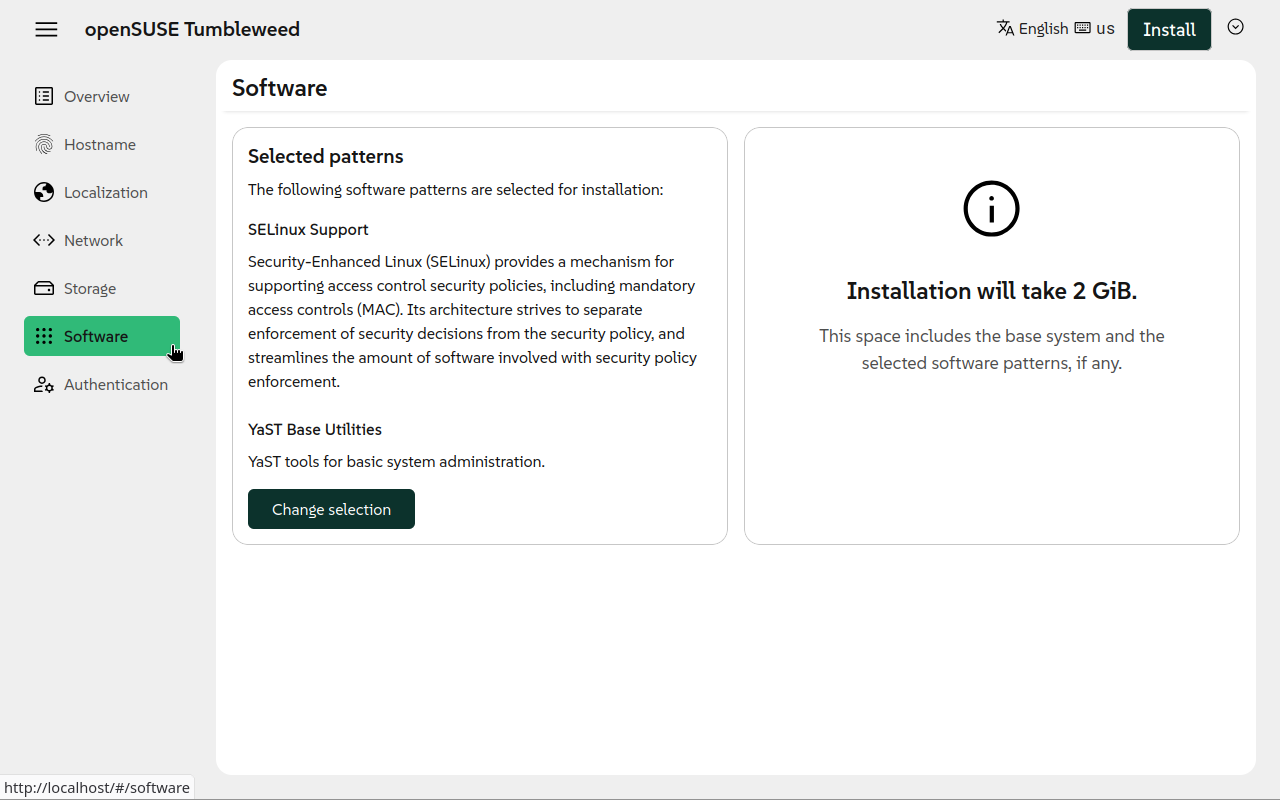 |
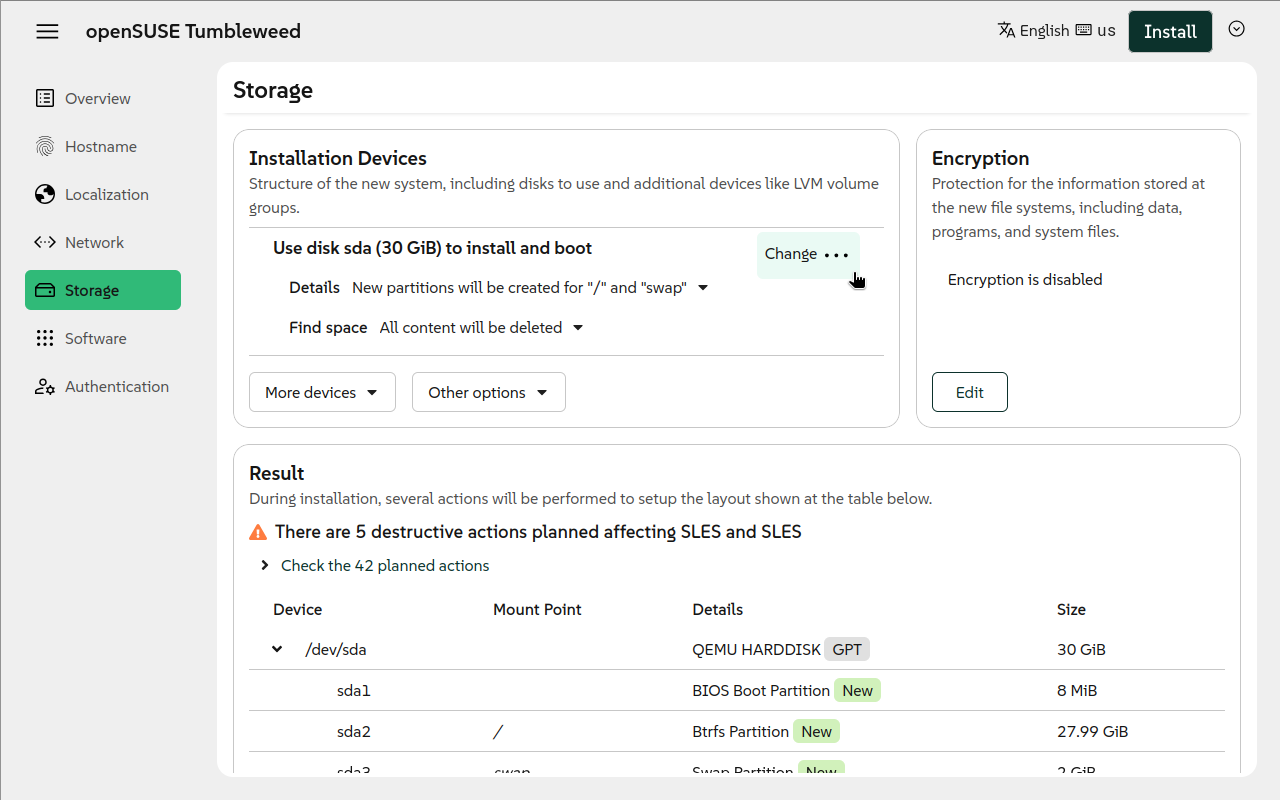 |
|---|---|
 |
 |
Why a New Installer
This new project follows two main motivations: to overcome some of the limitations of YaST and to serve as installer for new projects, like those based on SUSE Linux Framework One.
YaST is a mature installer and control center for SUSE and openSUSE operating systems. With more than 20 years behind it, YaST is a competent and flexible installer able to cover uncountable use cases. But time goes by, and the good old YaST is starting to show its age in some aspects:
- The architecture of YaST is complex and its code-base has too much technical debt.
- Designing and building rich and modern user interfaces is a real challenge.
- Sharing logic with other tools like Salt or Ansible is very difficult.
- Some in-house solutions like libyui make more difficult to contribute to the project.
Running Agama
The easiest way to give Agama a try is to grab a live ISO image and boot it in a virtual machine. This is also the recommended way if you only want to play and see it in action. If you want to have a closer look, then clone and configure the project as explained in the next section.
You can download the ISO from the openSUSE Build Service.
Note
Make sure to download the correct ISO file according to your system architecture (eg. you would need to choose a file including
x86_64if you use an Intel or AMD 64-bit processor).
Remote access
The Live ISO automatically starts a graphical interface (using the local browser). However, you
might want to access remotely to the installer. If you know the IP address of the system, you just
need to point your browser to https://$IP.
For the case you do not know the address, or just for convenience, the Live ISO is configured to use
Multicast DNS (sometimes called mDNS, Avahi,
Zeroconf, Bonjour) for hostname resolution. Therefore, connecting to https://agama.local should do
the trick.
Warning
Do not use the
.localhostnames in untrusted networks (like public WiFi networks, shared networks), it is a security risk. An attacker can easily send malicious responses for the.localhostname resolutions and point you to a wrong Agama instance which could for example steal your root password!
If you have troubles or you want to know more about this feature, check our Remote access documentation.
Other Resources
- If you want to know how Agama works, you should read about Agama's architecture
- If you would like to contribute, you might be interested in:
- You can check the overall status of the project through the status page.
How to Contribute
If you want to contribute to Agama, then please open a pull request or report an issue. You can also get involved in our discussions.
For more details, please read the contributing guidelines.
Translators
Thank you for translating Agama to your language!
If something is broken about the translations, see the detailed Agama i18n workflow and internals documentation.
See also the openSUSE Translation mailing list and its archives.