mirror of
https://github.com/ggozad/oterm.git
synced 2026-10-13 10:43:20 +02:00
the terminal client for LLMs
- Python 99.7%
- HTML 0.3%
| .github | ||
| docs | ||
| src/oterm | ||
| tests | ||
| .gitignore | ||
| .pre-commit-config.yaml | ||
| CHANGES.txt | ||
| LICENSE | ||
| mkdocs.yml | ||
| pyproject.toml | ||
| README.md | ||
| uv.lock | ||

oterm
the text-based terminal client for Ollama.
Features
- intuitive and simple terminal UI, no need to run servers, frontends, just type
otermin your terminal. - multiple persistent chat sessions, stored together with system prompt & parameter customizations in sqlite.
- support for Model Context Protocol (MCP) tools & prompts integration.
- can use any of the models you have pulled in Ollama, or your own custom models.
- allows for easy customization of the model's system prompt and parameters.
- supports tools integration for providing external information to the model.
Quick install
uvx oterm
See Installation for more details.
Documentation
What's new
- MCP Sampling is here!
- In-app log viewer for debugging and troubleshooting.
- Support sixel graphics for displaying images in the terminal.
- Support for Model Context Protocol (MCP) tools & prompts!
- Create custom commands that can be run from the terminal using oterm. Each of these commands is a chat, customized to your liking and connected to the tools of your choice.
Screenshots
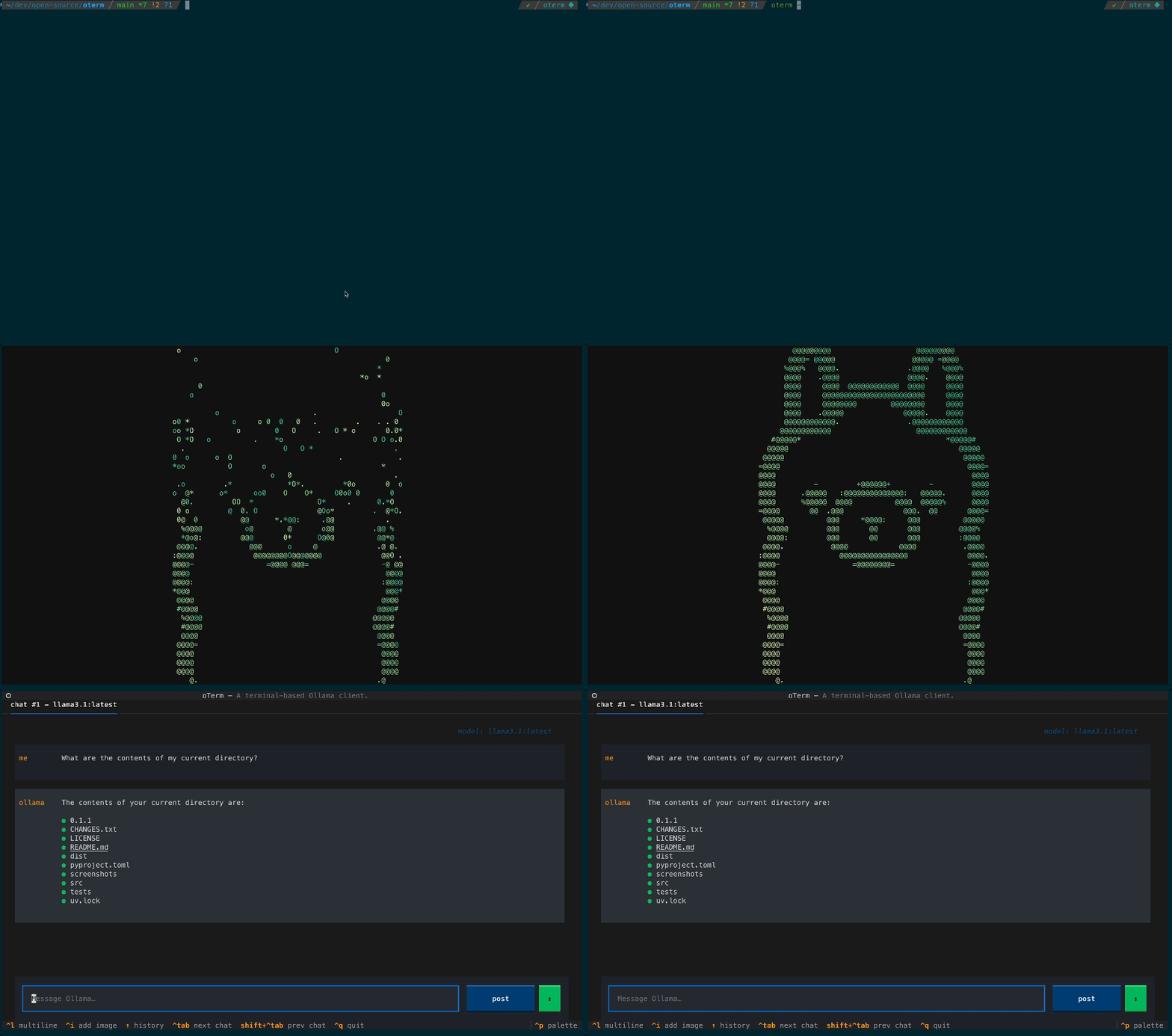 The splash screen animation that greets users when they start oterm.
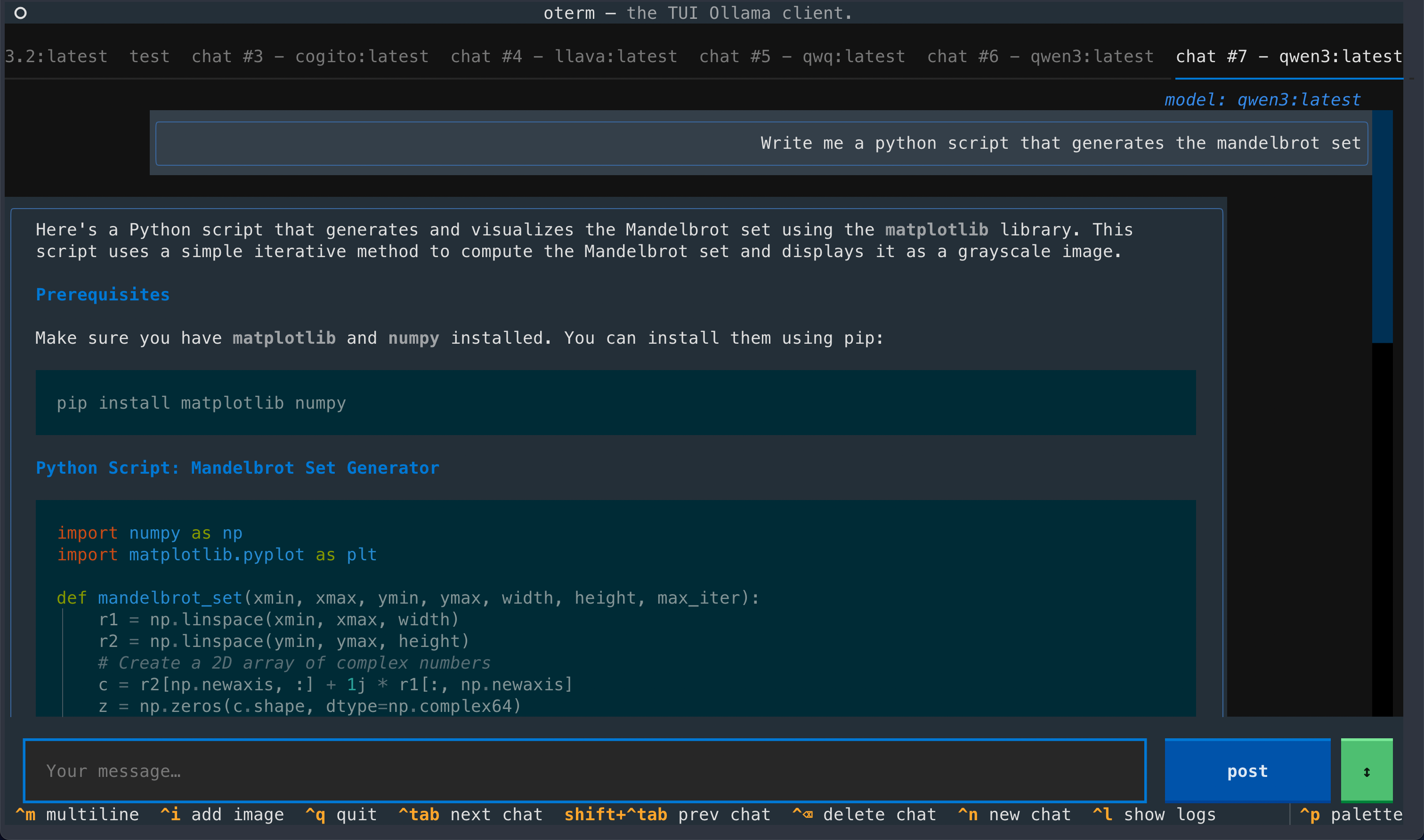 A view of the chat interface, showcasing the conversation between the user and the model.
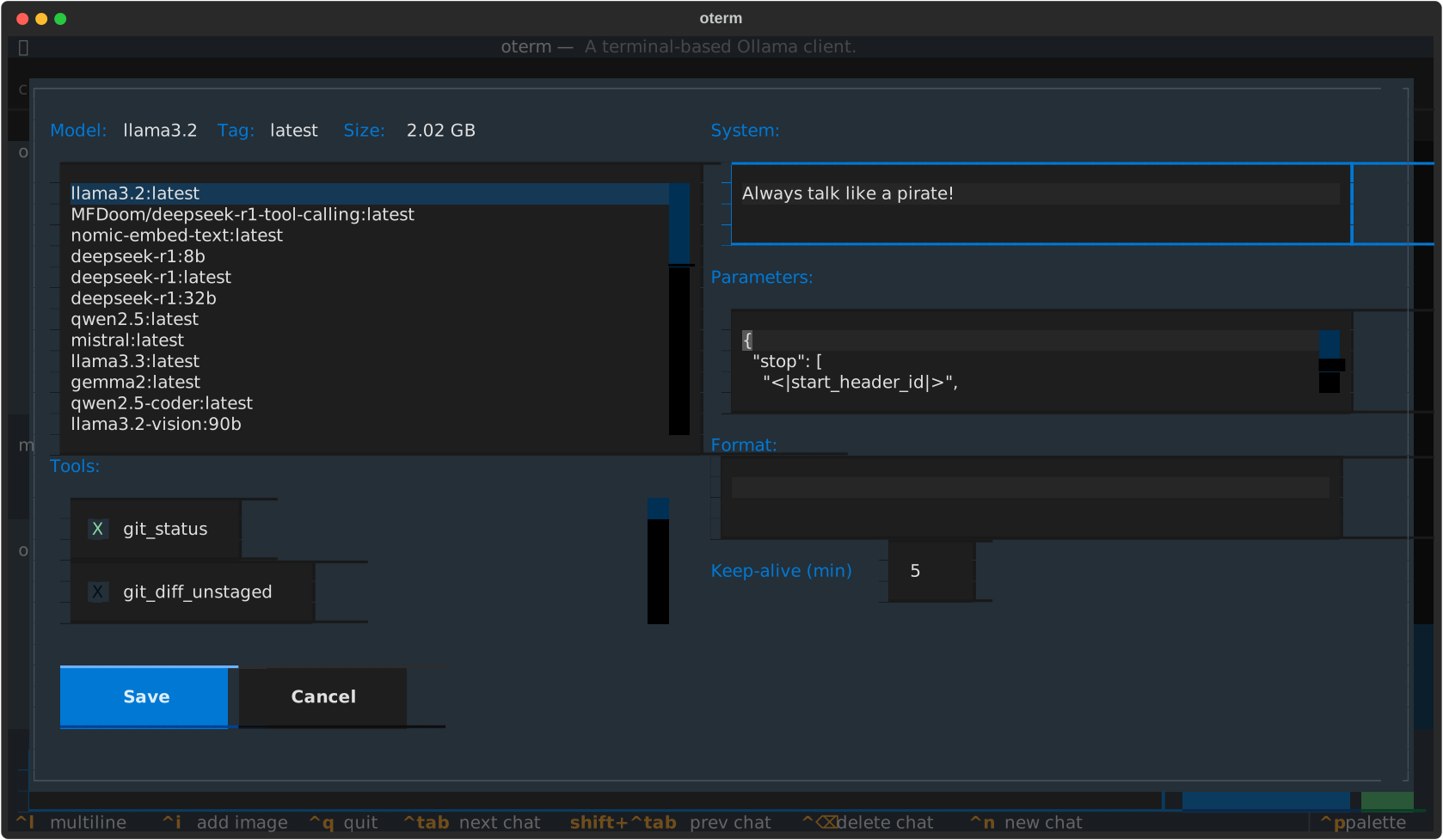 The model selection screen, allowing users to choose and customize available models.
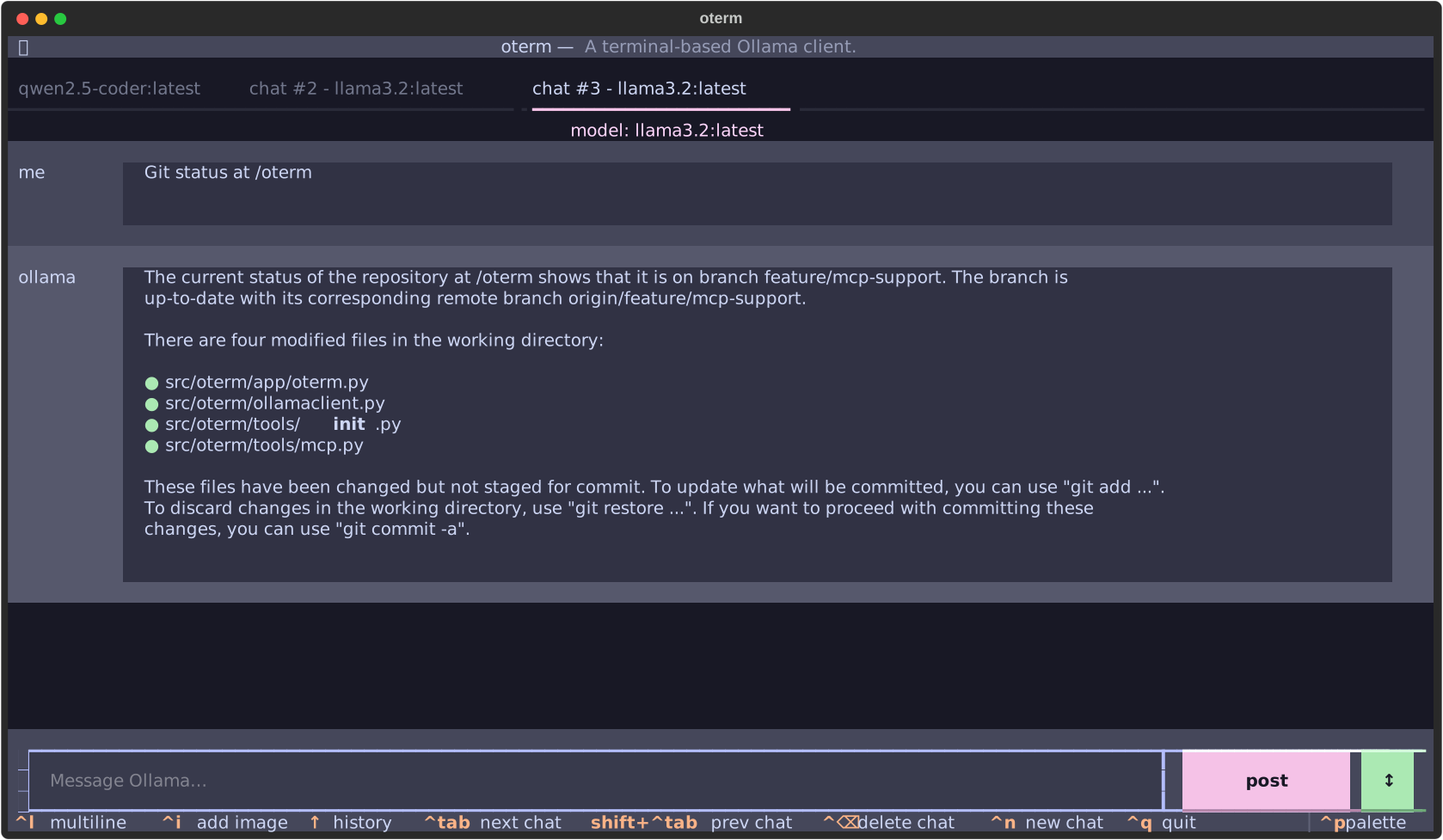 oterm using the
 git MCP server to access its own repo.
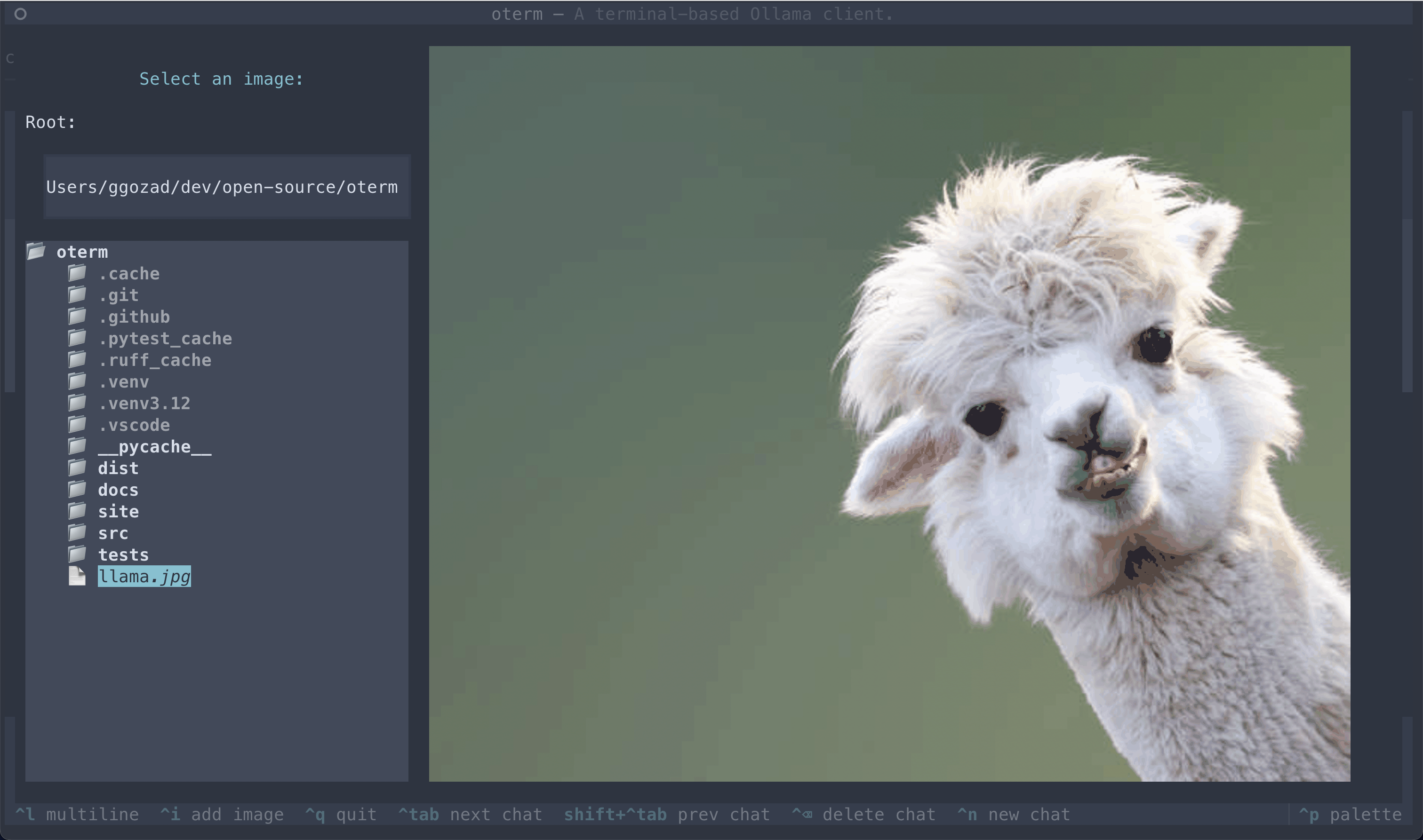 The image selection interface, demonstrating how users can include images in their conversations.
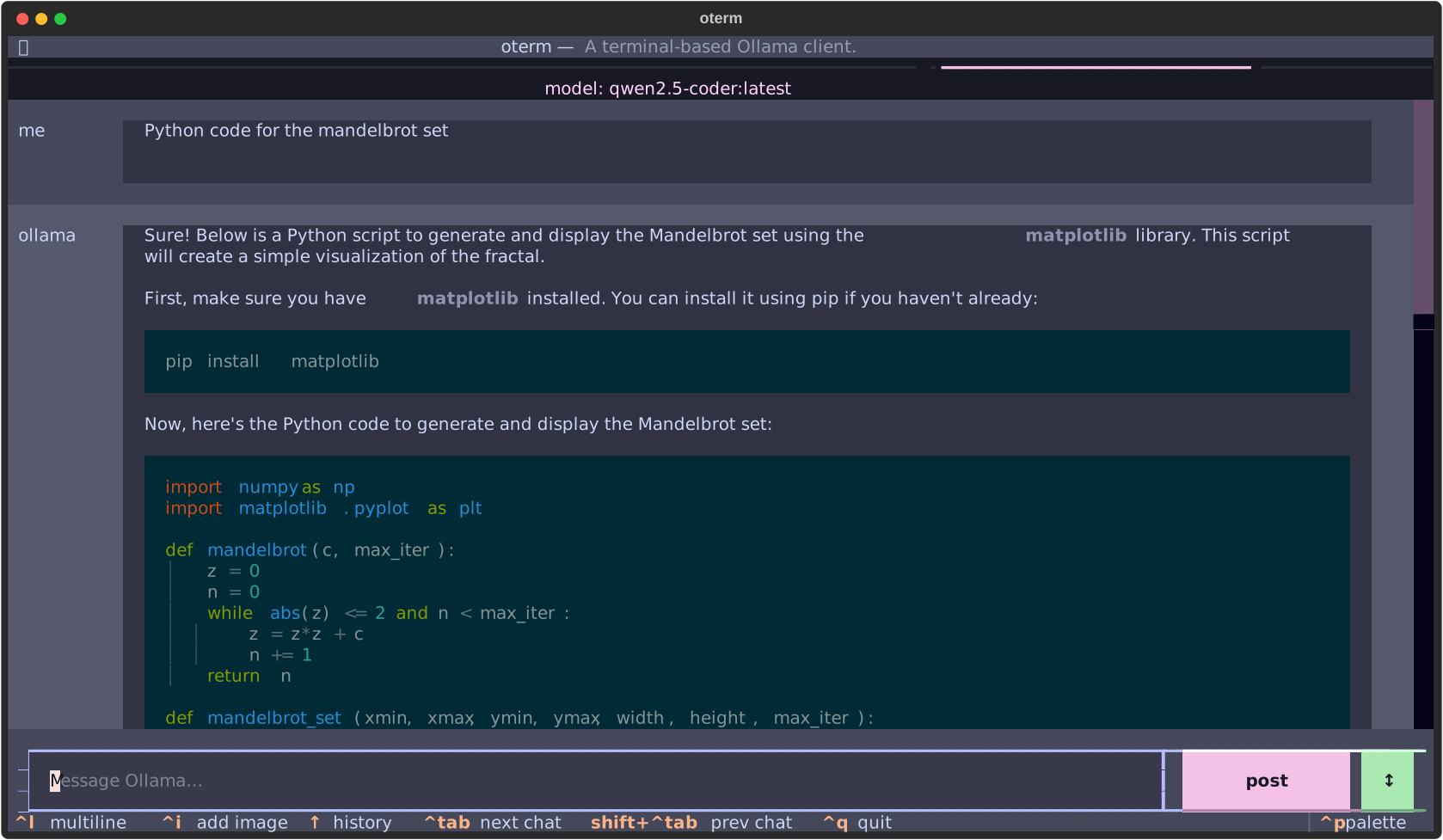 oterm supports multiple themes, allowing users to customize the appearance of the interface.
License
This project is licensed under the MIT License.