- Python 99.7%
- HTML 0.3%
| .github/workflows | ||
| oterm | ||
| screenshots | ||
| tests | ||
| .gitignore | ||
| CHANGES.txt | ||
| LICENSE | ||
| poetry.lock | ||
| pyproject.toml | ||
| README.md | ||

oterm
the text-based terminal client for Ollama.
Features
- intuitive and simple terminal UI, no need to run servers, frontends, just type
otermin your terminal. - multiple persistent chat sessions, stored together with the context embeddings and template/system prompt customizations in sqlite.
- can use any of the models you have pulled in Ollama, or your own custom models.
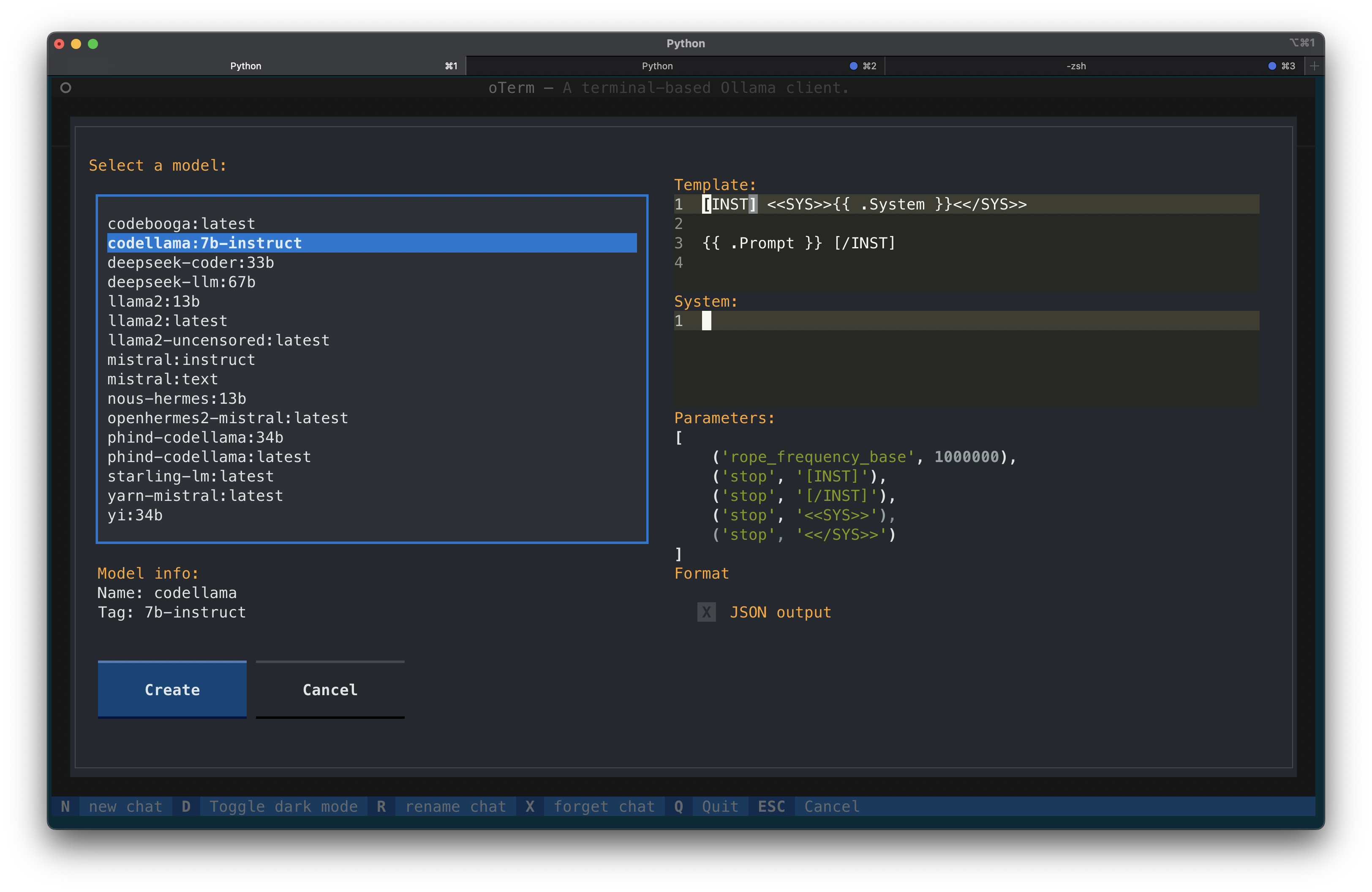
- allows for easy customization of the model's template, system prompt and parameters.
Installation
Using brew for MacOS:
brew tap ggozad/formulas
brew install ggozad/formulas/oterm
Using pip:
pip install oterm
Using
In order to use oterm you will need to have the Ollama server running. By default it expects to find the Ollama API running on http://0.0.0.0:11434/api. If you are running Ollama inside docker or on a different host/port, use the OLLAMA_HOST environment variable to customize the host/port. Alternatively you can use OLLAMA_URL to specify the full http(s) url. Setting OTERM_VERIFY_SSL to False will disable SSL verification.
OLLAMA_URL=http://host:port/api
The following keyboard shortcuts are available:
-
ctrl+n- create a new chat session -
ctrl+r- rename the current chat session -
ctrl+x- delete the current chat session -
ctrl+t- toggle between dark/light theme -
ctrl+q- quit -
ctrl+l- switch to multiline input mode -
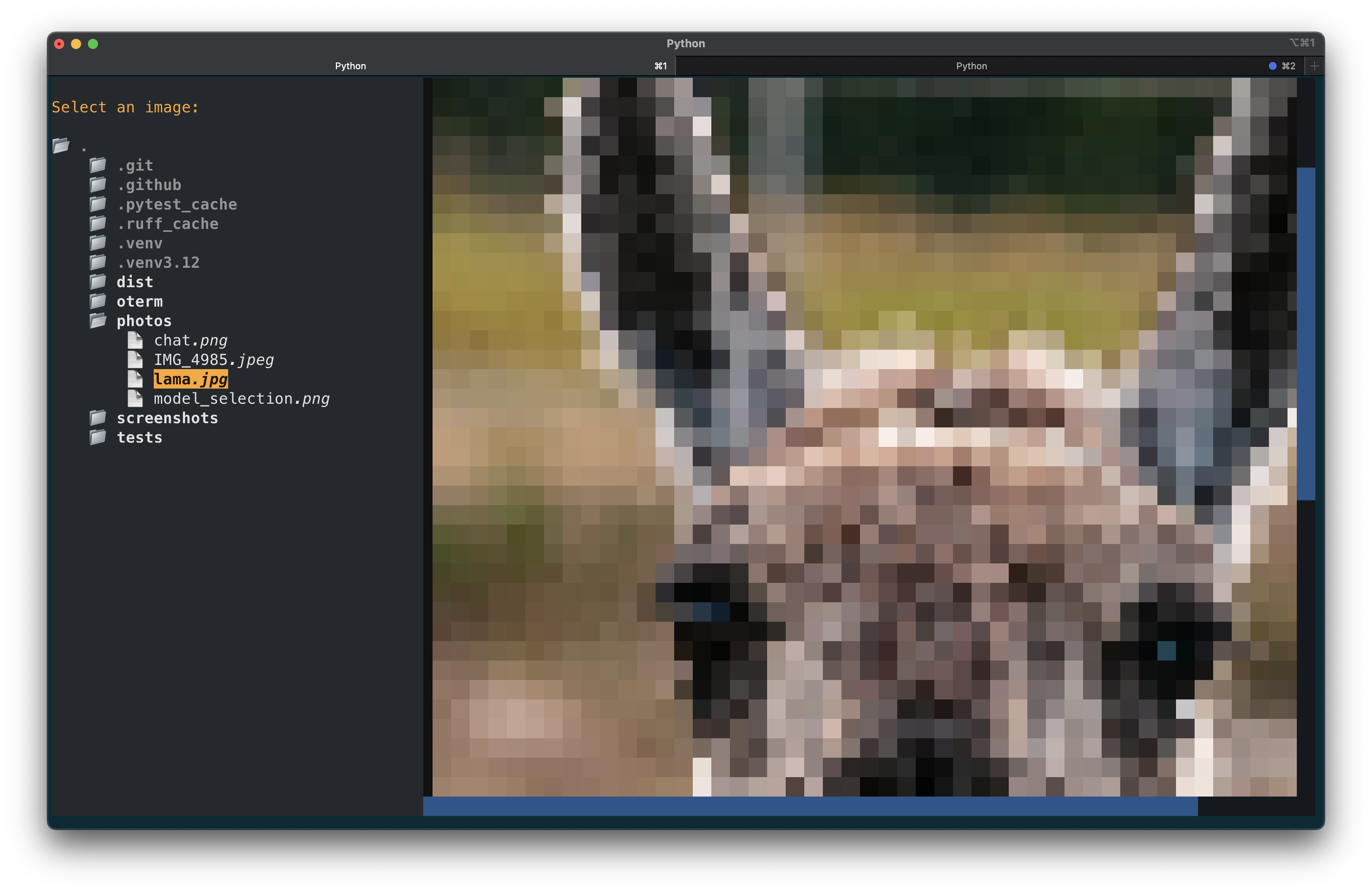
ctrl+p- select an image to include with the next message
Customizing models
When creating a new chat, you may not only select the model, but also customize the template as well as the system instruction to pass to the model. Checking the JSON output checkbox will cause the model reply in JSON format. Please note that oterm will not (yet) pull models for you, use ollama to do that. All the models you have pulled or created will be available to oterm.
Chat session storage
All your chat sessions are stored locally in a sqlite database.
You can find the location of the database by running oterm --db.
Screenshots

License
This project is licensed under the MIT License.